Removal and Replacement Procedures
Maintenance and Service Guide 5–5
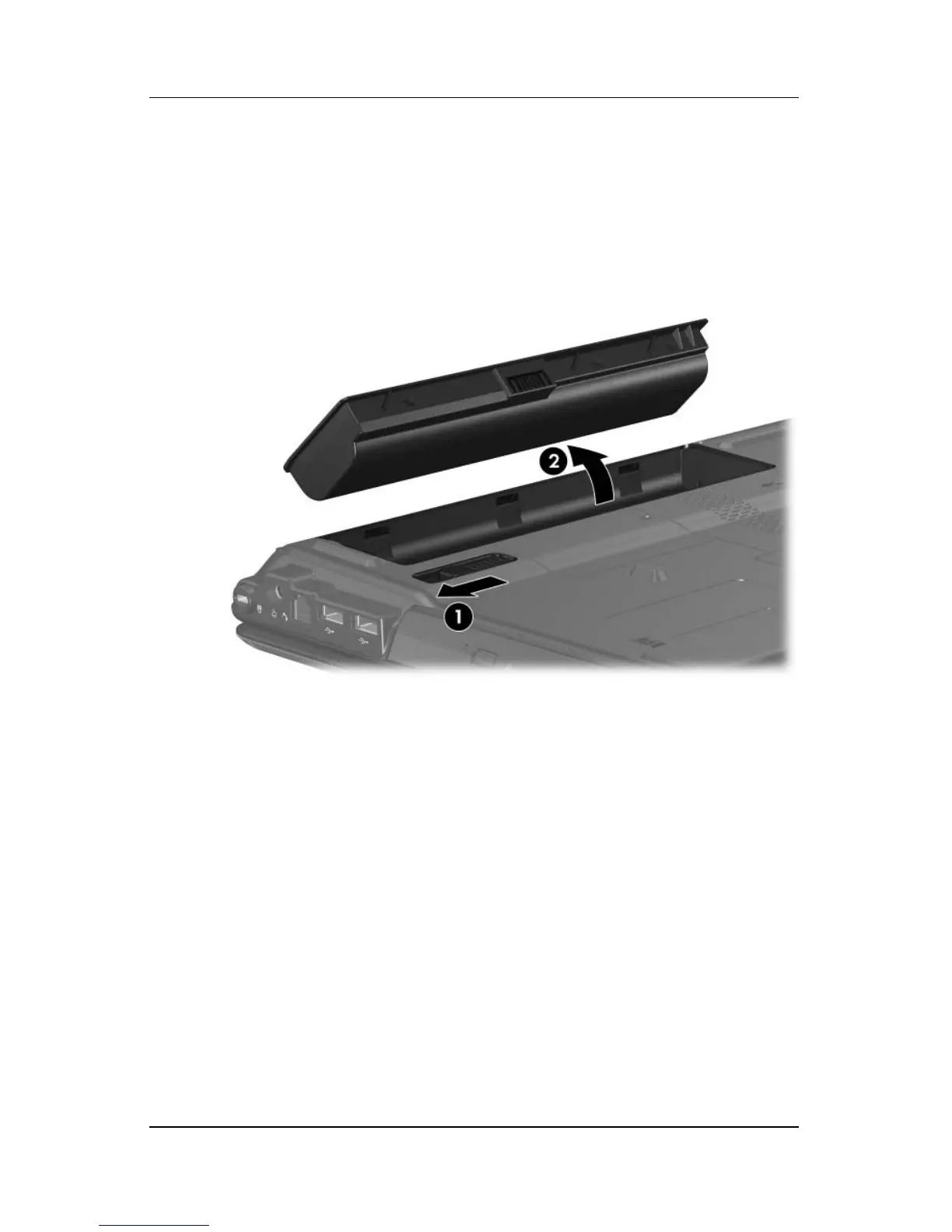
b. Slide and hold the battery release latch 1 to the left.
(The front edge of the battery disengages from
the computer.)
c. Lift the front edge of the battery 2 up and swing it back.
d. Remove the battery.
Removing the Battery
Reverse the above procedure to install the battery.



 To Next Page