5–30 Maintenance and Service Guide
Removal and Replacement Procedures
5.12 Display Assembly
1. Prepare the computer for disassembly (Section 5.3).
2. Disconnect the Mini Card WLAN antenna cables from the
Mini Card WLAN module (Section 5.8).
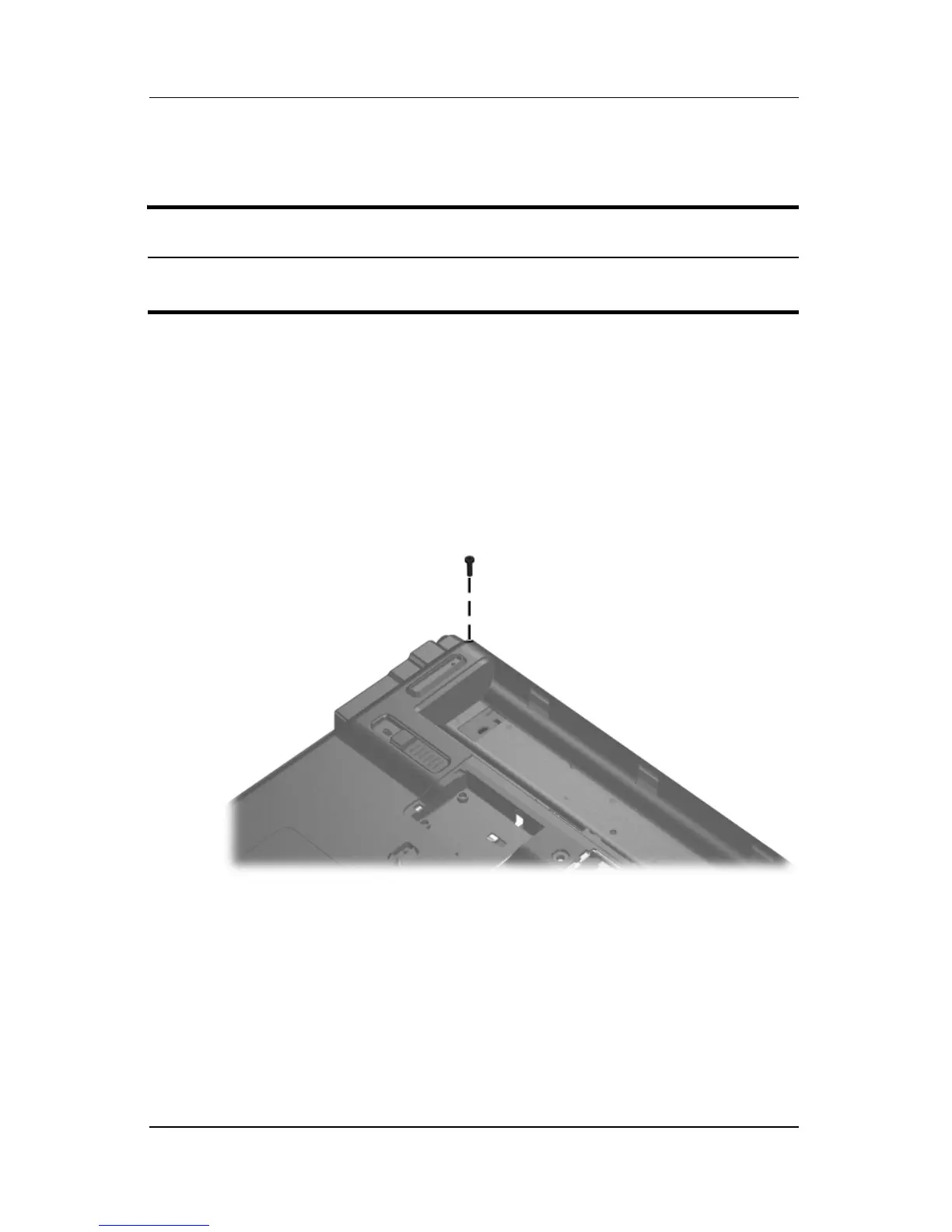
3. Remove the Phillips PM2.5×9.0 screw that secures the
display assembly to the computer.
Removing the Display Screw
Display Assembly Spare Part Number Information
14.0-inch, WXGA display assembly (includes wireless antenna
transceivers and cables)
417049-001



 To Next Page