Removal and Replacement Procedures
Maintenance and Service Guide 5–39
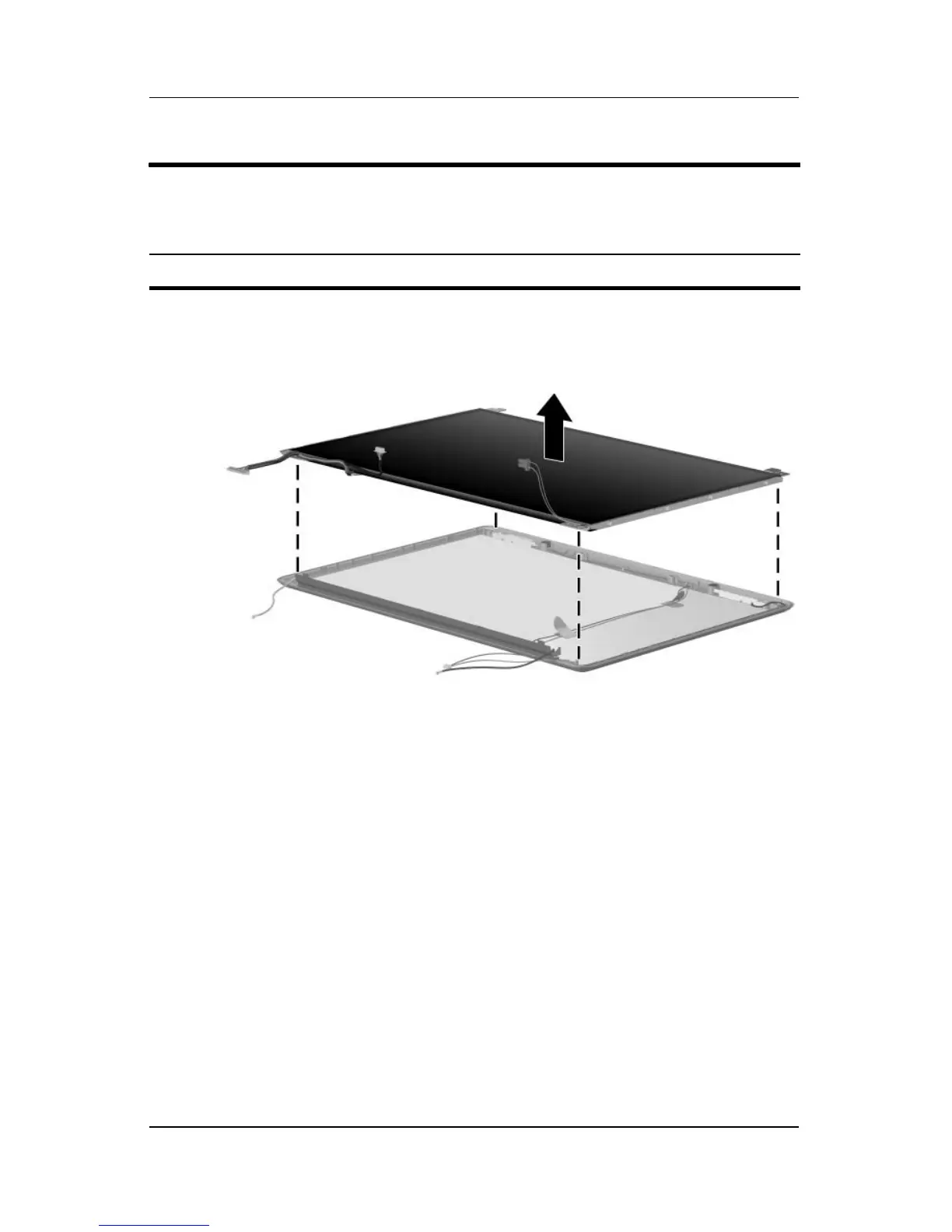
23. Remove the display panel from the display enclosure.
Removing the Display Panel
Display Assembly Subcomponents
Spare Part Number Information
14.0-inch, WXGA, SVA display panel with BrightView 430459-001



 To Next Page