1
HP 1410 Switch Quick Setup Guide
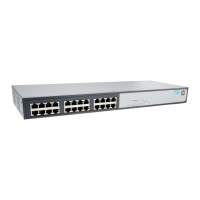
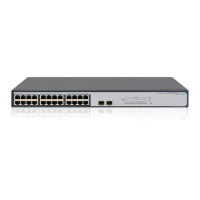
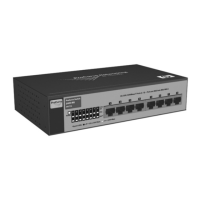
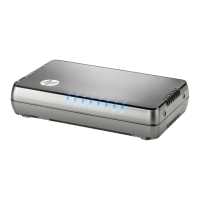
The switch images in this document are for illustration only and may not match your particular switch model.
For detailed information to set up your switch, view or download the Installation and Getting Started Guide for your switch
at www.hp.com/networking/support.
1. Unpack and check included parts. ■ Documentation kit
■ The switch
■ Accessory kit (installation hardware)
■ AC power adapter (and power cord, if applicable)
2. Prepare for installation. To avoid personal injury or product damage, review the “Safety Precautions” on
page 3.
3. Connect power and verify that the switch power LED turns on. The switch does not contain a power switch. It is
turned on by connecting power through the AC power adapter supplied with your switch.
4. Install the Switch Hardware. Turn off the switch before installing the switch hardware.
Table or Desktop: Attach the four self-adhesive pads
(included in the accessory kit) to the bottom corners of
the switch.

 Need help?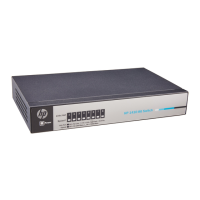





 To Next Page
 General