5–30 Maintenance and Service Guide
Removal and Replacement Procedures
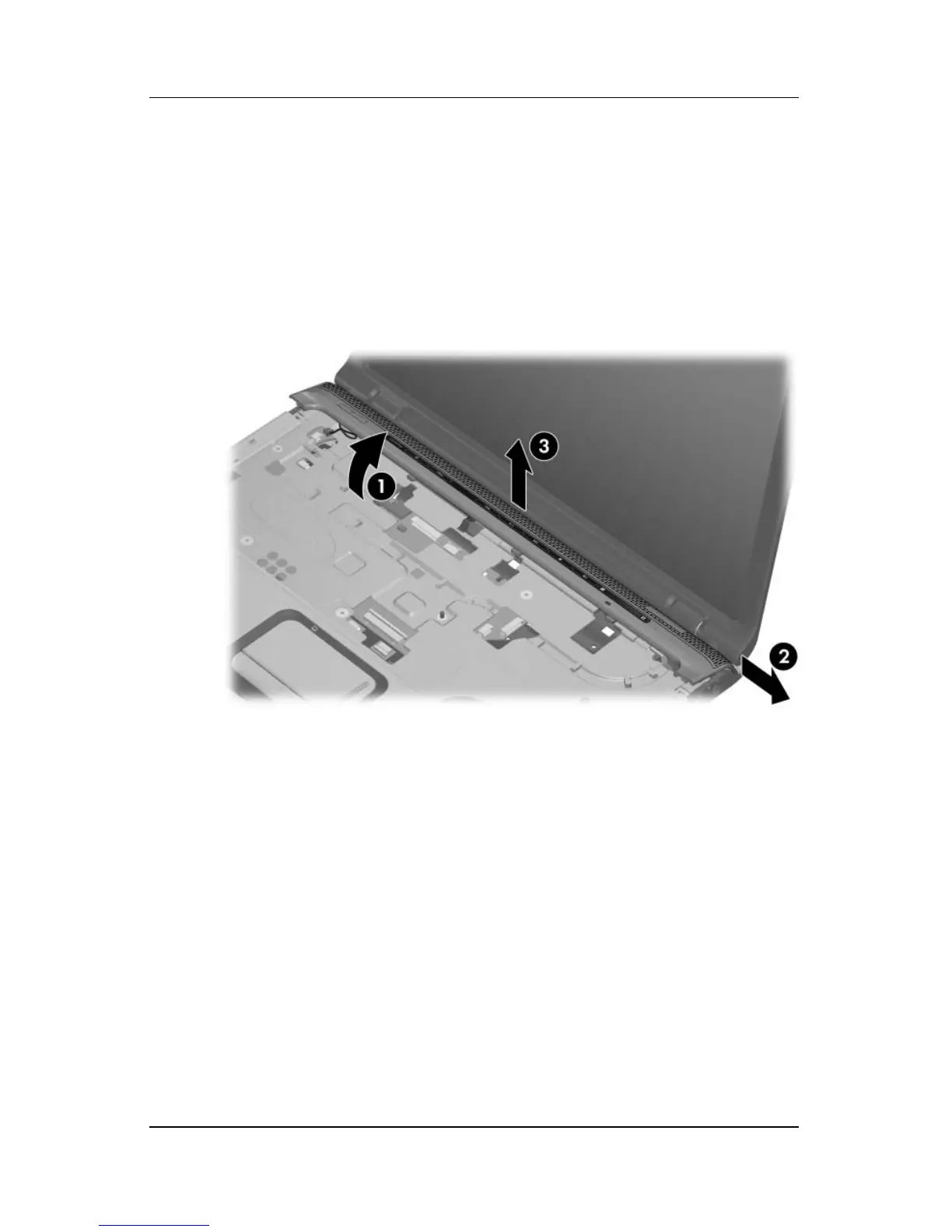
10. Lift the front edge of the switch cover 1 to disengage it from
the computer.
11. Slide the switch cover 2 to the right to disengage it from the
computer.
12. Remove the switch cover 3.
Removing the Switch Cover



 To Next Page