Removal and Replacement Procedures
Maintenance and Service Guide 5–33
4. Turn the computer display-side up with the front toward you.
5. Open the display as far as possible.
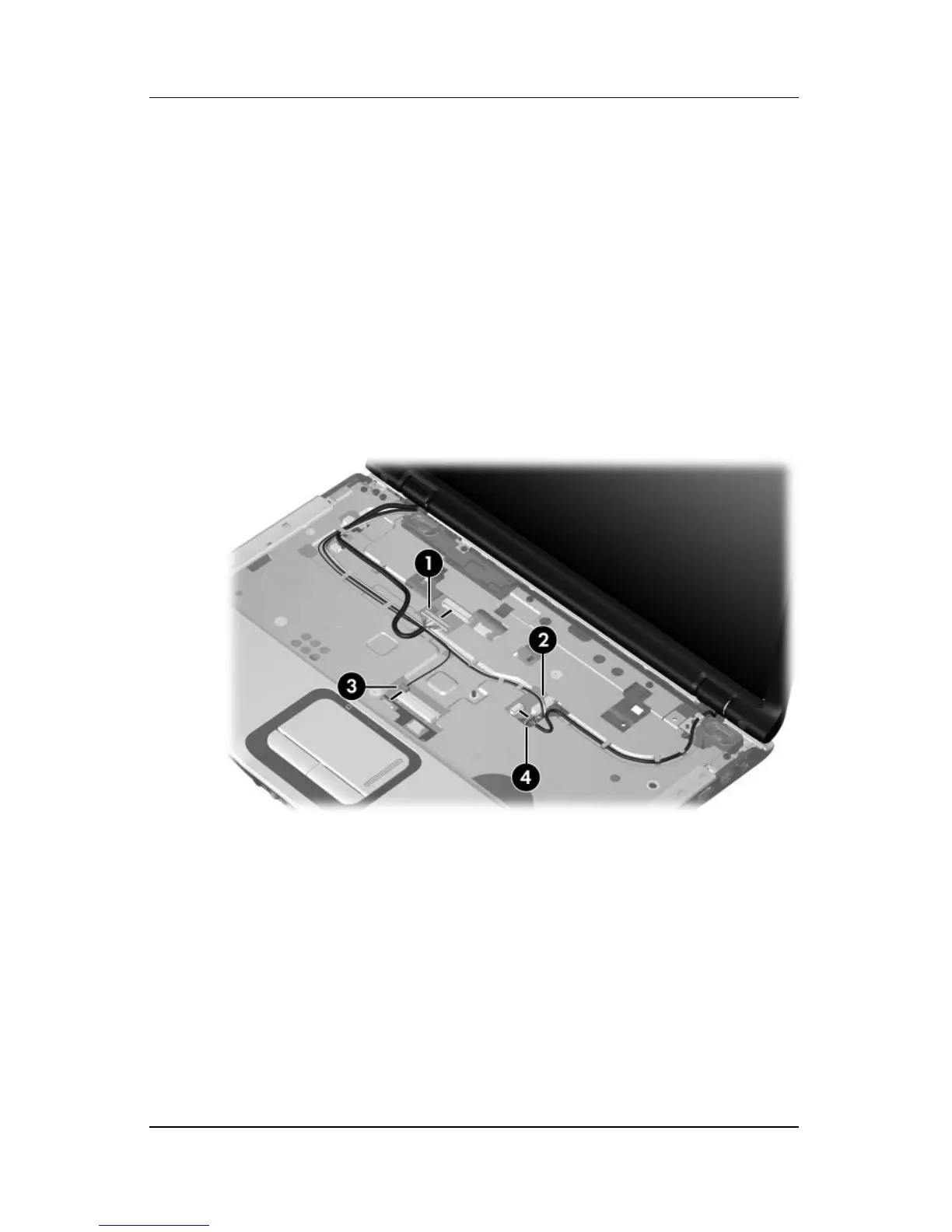
6. Disconnect the following cables:
1 Display cable
2 Web camera cable
3 Microphone cable
7. Remove the wireless antenna cables 4 from the hole in the
system board.
Disconnecting the Display, Web Camera, and Microphone Cables
and Removing the Wireless Antenna Cables



 To Next Page