5–44 Maintenance and Service Guide
Removal and Replacement Procedures
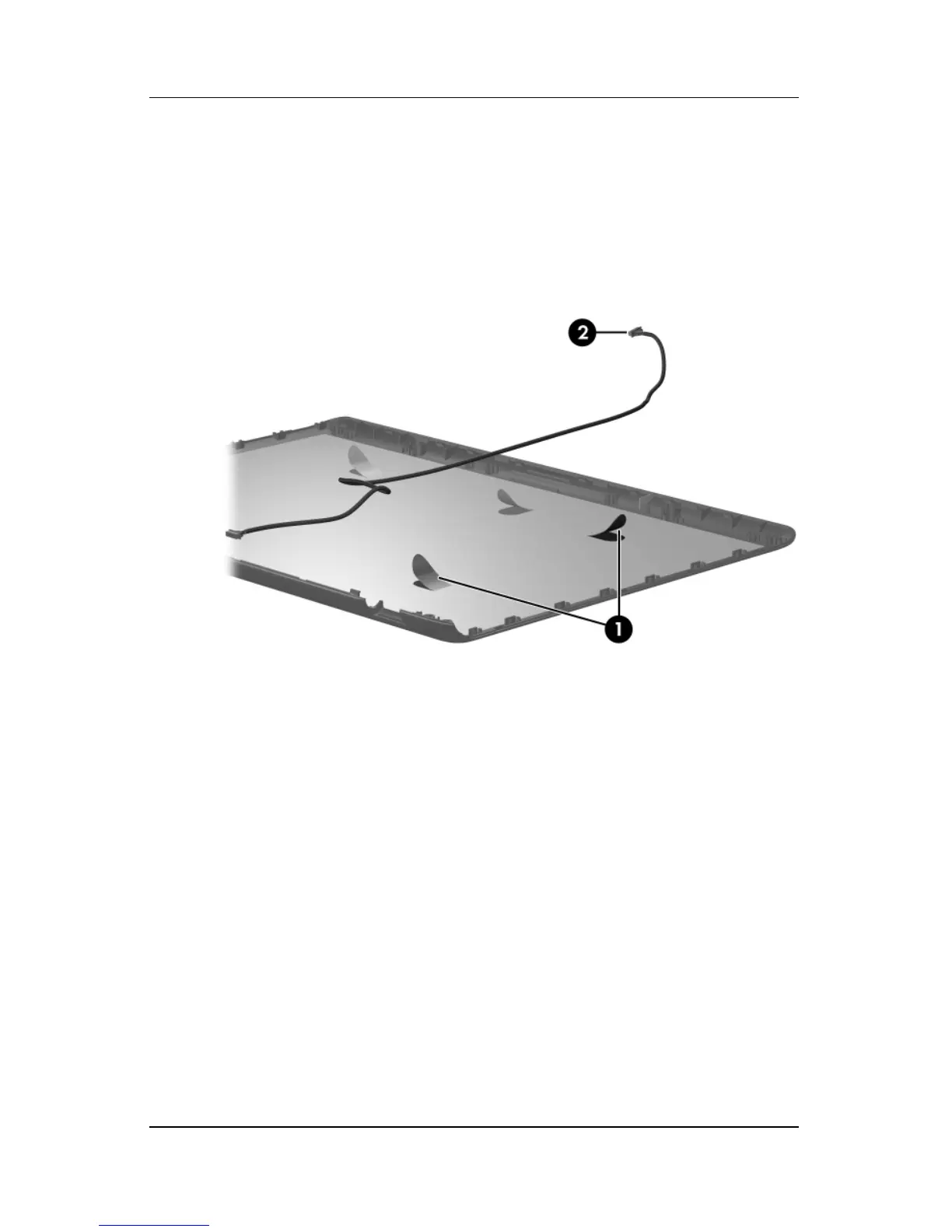
33. If it is necessary to replace the Web camera cable, release the
retention tabs 1 built in to the display enclosure lining that
secure the Web camera cable to the display enclosure.
34. Remove the Web camera cable 2 from the display enclosure.
Removing the Web Camera Cable
Reverse the above procedure to reassemble and install the
display assembly



 To Next Page