5–68 Maintenance and Service Guide
Removal and Replacement Procedures
4. Turn the computer right-side up with the front toward you.
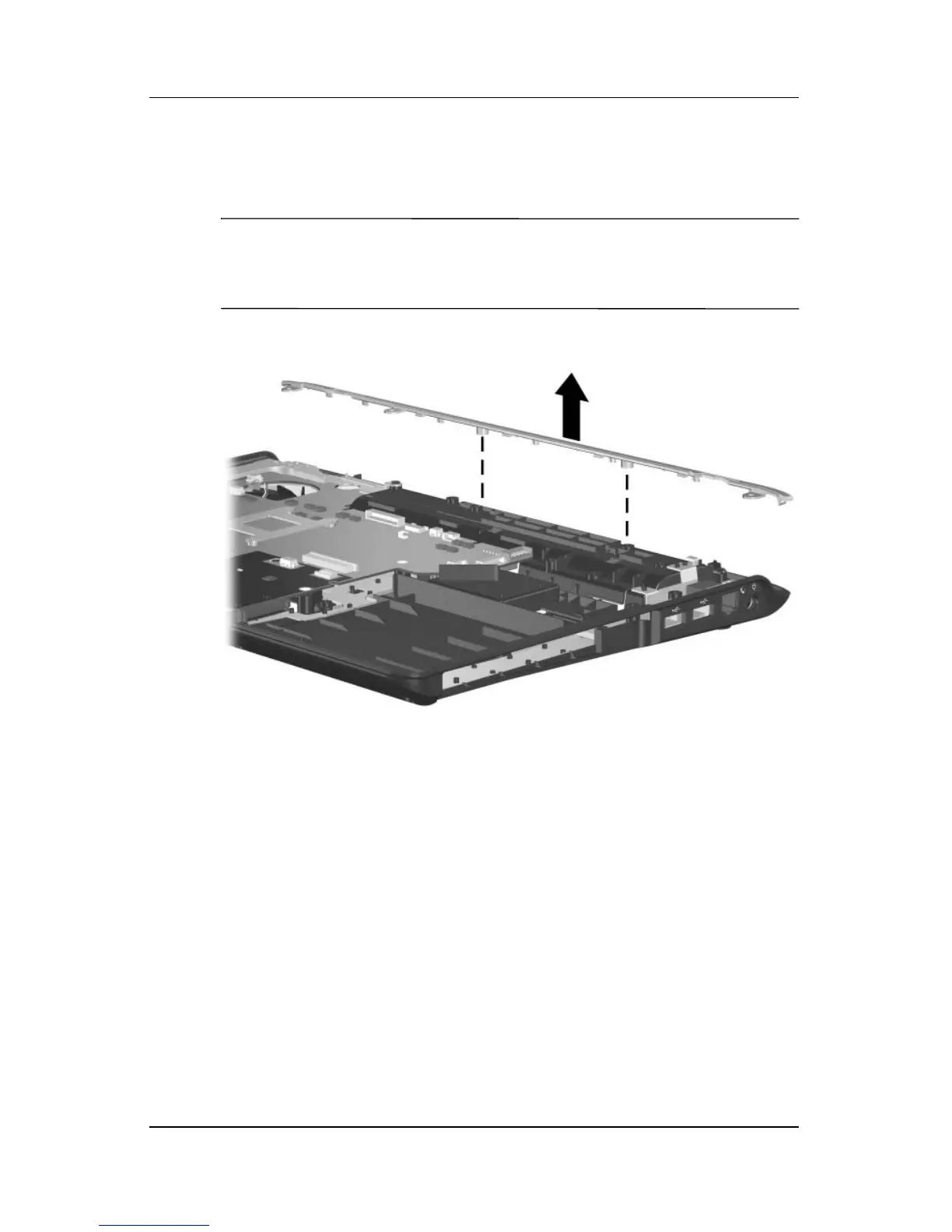
5. Remove the top cover rear strip from the computer.
✎
The top cover rear strips are available using spare part numbers
430466-001 (for use with full-featured computer models) and
417088-001 (for use with defeatured computer models).
Removing the Top Cover Rear Strip



 To Next Page