5–72 Maintenance and Service Guide
Removal and Replacement Procedures
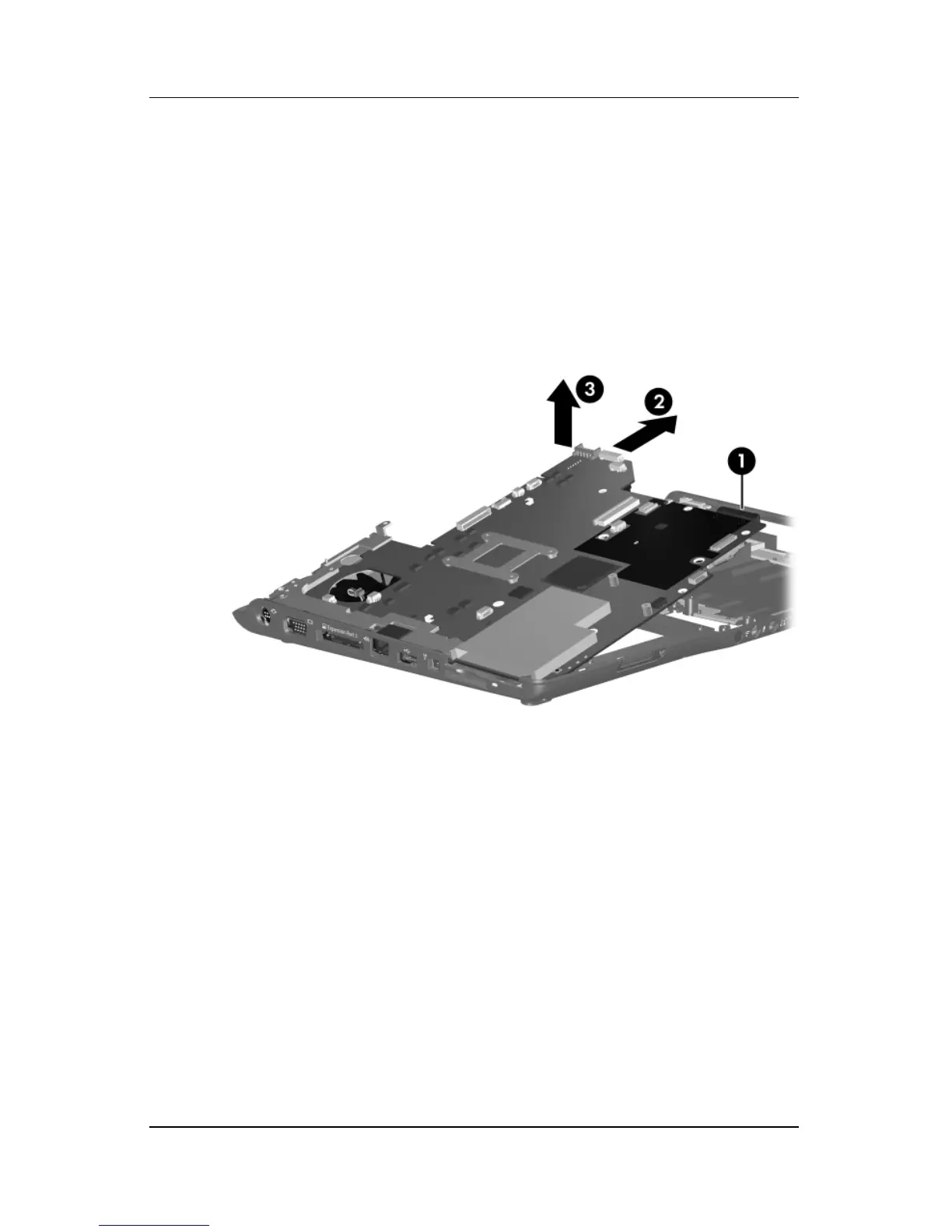
5. Use the optical drive connector 1 to lift the right side of the
system board until it rests at an angle.
6. Slide the system board 2 to the right until the connectors on
the left side of the system board disengage from the
base enclosure.
7. Remove the system board 3.
Removing the System Board



 To Next Page