13
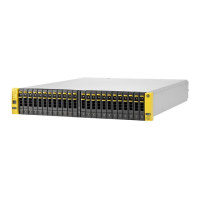
HP StorageWorks Disk System 2120
English
Setting the SCSI IDs for the Disk Modules
1 Determine which SCSI addresses are not being used on the host system.
Refer to your system administration manual for information on determining
which SCSI addresses are available on the host system.
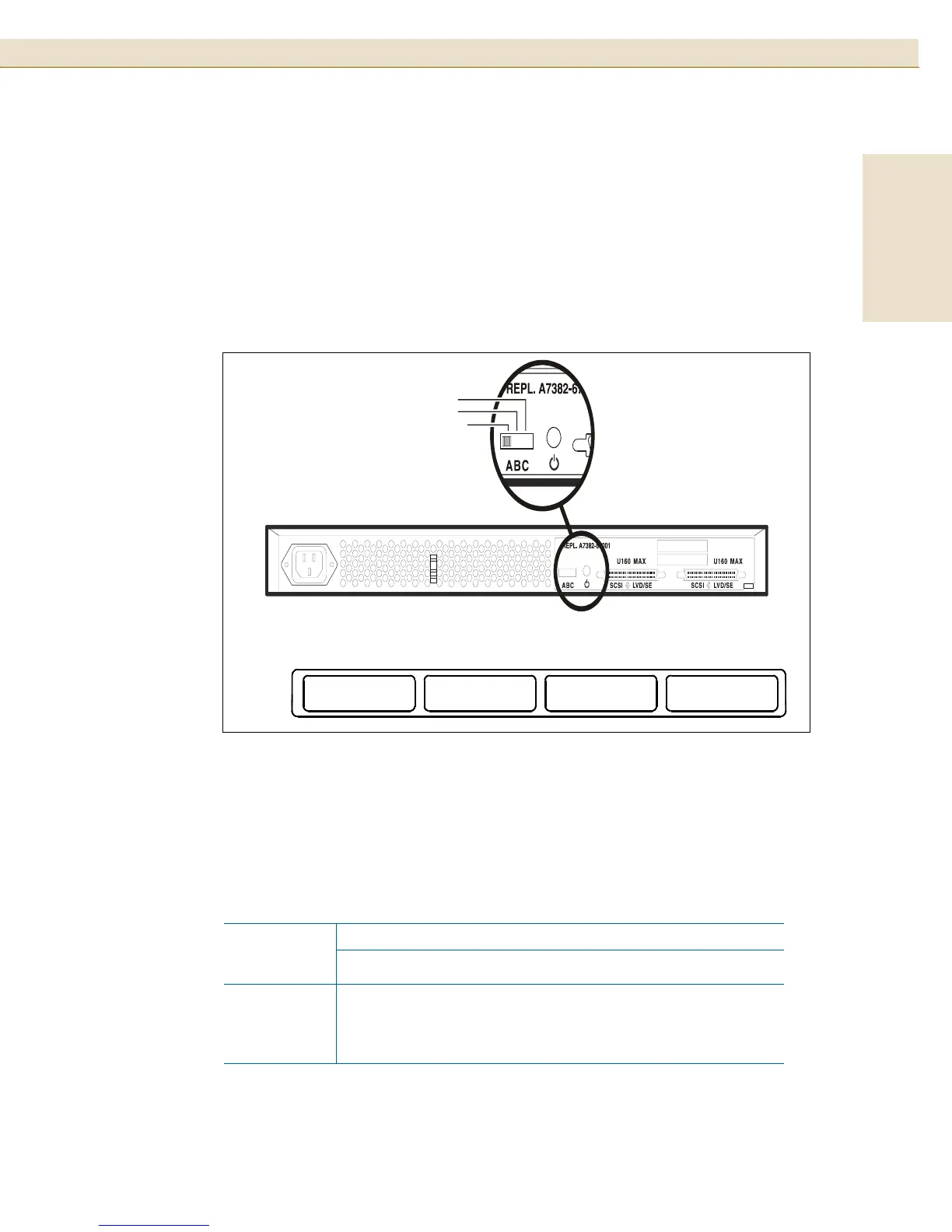
2 Locate the SCSI switch on the back of the disk system.
FIGURE 7
SCSI Switch Location
3
Set the SCSI IDs.
Verify that the SCSI IDs you have chosen are available. If you are daisy-chaining
these disk systems together, each SCSI ID switch must be set for a unique
available set of SCSI IDs.
TABLE 4 SCSI Switch Setting Definitions
SCSI
Switch
Setting
Disk Slot
1234
A0246
B 8 10 12 14
C 9 11 13 15
0
8
9
2
10
11
4
12
13
6
14
15
A
B
C
SCSI
Address
Switch
Setting
Disk Module SCSI Addresses (Viewed from front of storage enclosure)
C
B
A





 To Next Page