4
2 Monitor features
This chapter provides an overview of the monitor’s features.
Features
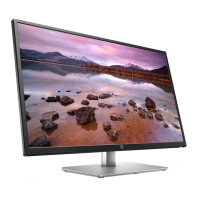
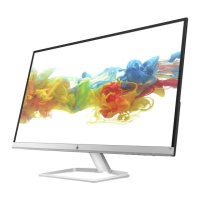
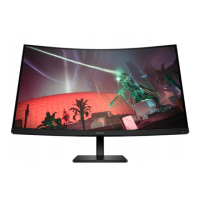
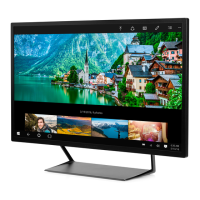
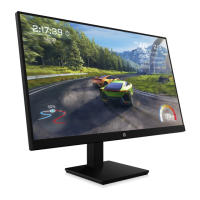
Depending on the model, your monitor might include the following features:
Display features
● 54.6 cm (21.5 in), plus full-screen support for lower resolutions; includes custom scaling for maximum
image size while preserving original aspect ratio
● Liquid crystal display (LCD) with active matrix and in-plane switching (IPS) (select products only)
● NTSC color gamut
● Nonglare panel with an LED backlight
● Tilt capabilities
● On-screen display (OSD) adjustments in several languages for easy setup and screen optimization
● Energy saver feature to meet requirements for reduced power consumption
● Security cable slot on the rear of the monitor for an optional security cable
● Cable management feature for placement of cables and cords
● HP Eye Ease (TUV low blue light hardware solution, certified and up to 100Hz max refresh rate)
● Compatible with display software, including:
– HP Display Center
– HP Display Manager
Connector
● VGA port
● DisplayPort™ video input(select products only)
● High-Definition Multimedia Interface™ (HDMI) video input
● Plug and Play capability, if supported by your operating system
Monitor stand
● Removable stand for flexible monitor head mounting solutions
● VESA® mounting capability (100 × 100 mm) for attaching the monitor to a swing arm mount
● Support for a mounting bracket to attach the monitor to a workstation
NOTE: For safety and regulatory information, refer to the Product Notices provided in your documentation kit.
To access the latest user guides or manuals for your product, go to http://www.hp.com/support and follow the
instructions to find your product. Then select Manuals.



 To Next Page