5
Front components
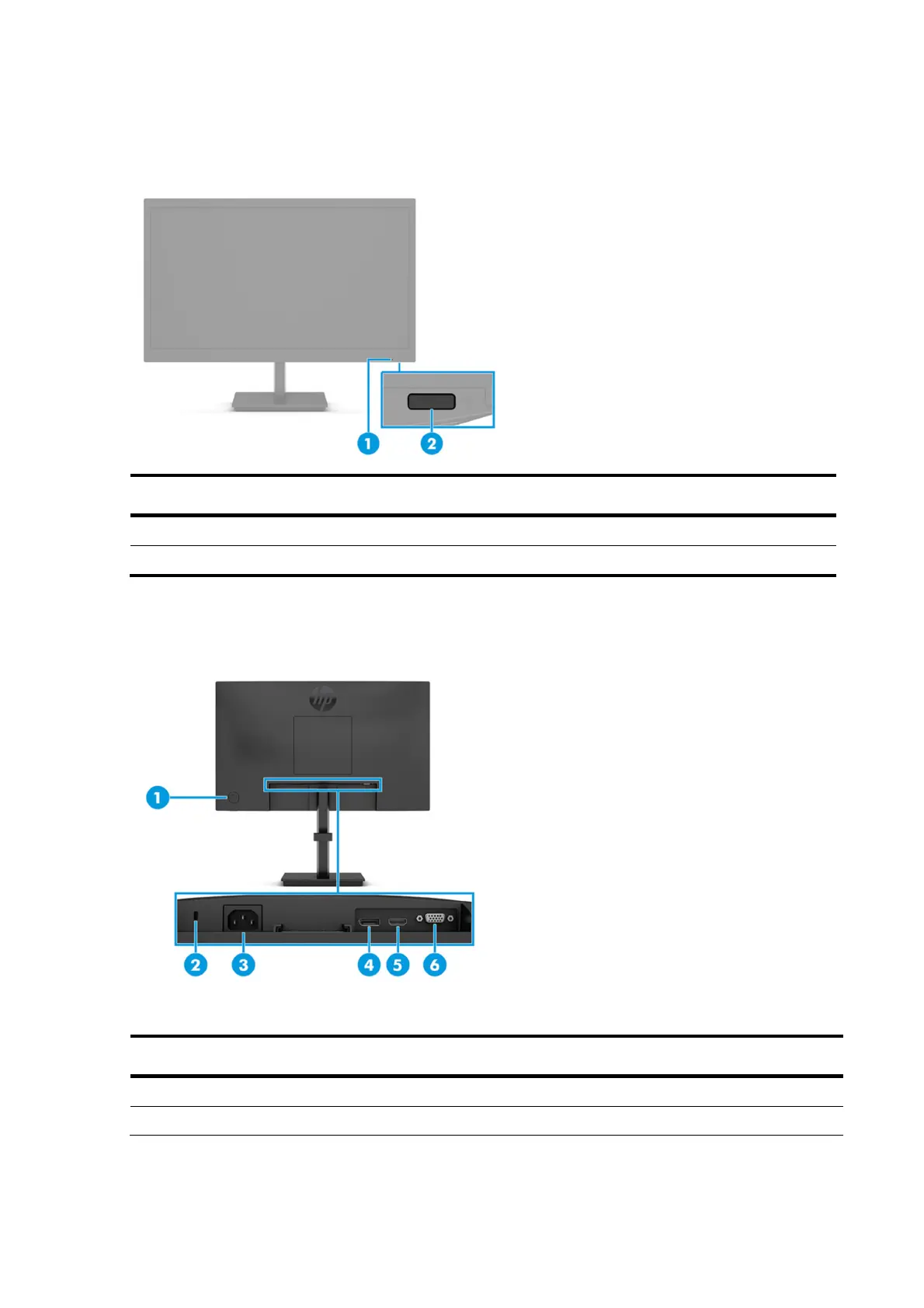
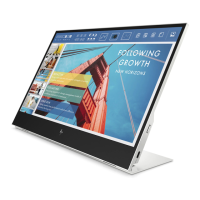
To identify the components on the front of the monitor, use this illustration and table.
Table 1-1: Front components and their descriptions
Component Function
1 Power LED Indicates that the monitor is powered on.
2 Power button Turns the monitor on or off.
Rear components
To identify the components on the rear of the monitor, use this illustration and table.
Table 1-2: Rear components and their descriptions
Component Function
1
Joypad OSD button
Opens the OSD settings.
2
Security cable slot
Connects an optional security cable.



 To Next Page