EasyManua.ls Logo

HP 3468A - Page 47

HP 3468A
114 pages
Print Icon
To Next Page IconTo Next Page
To Previous Page IconTo Previous Page
Loading...
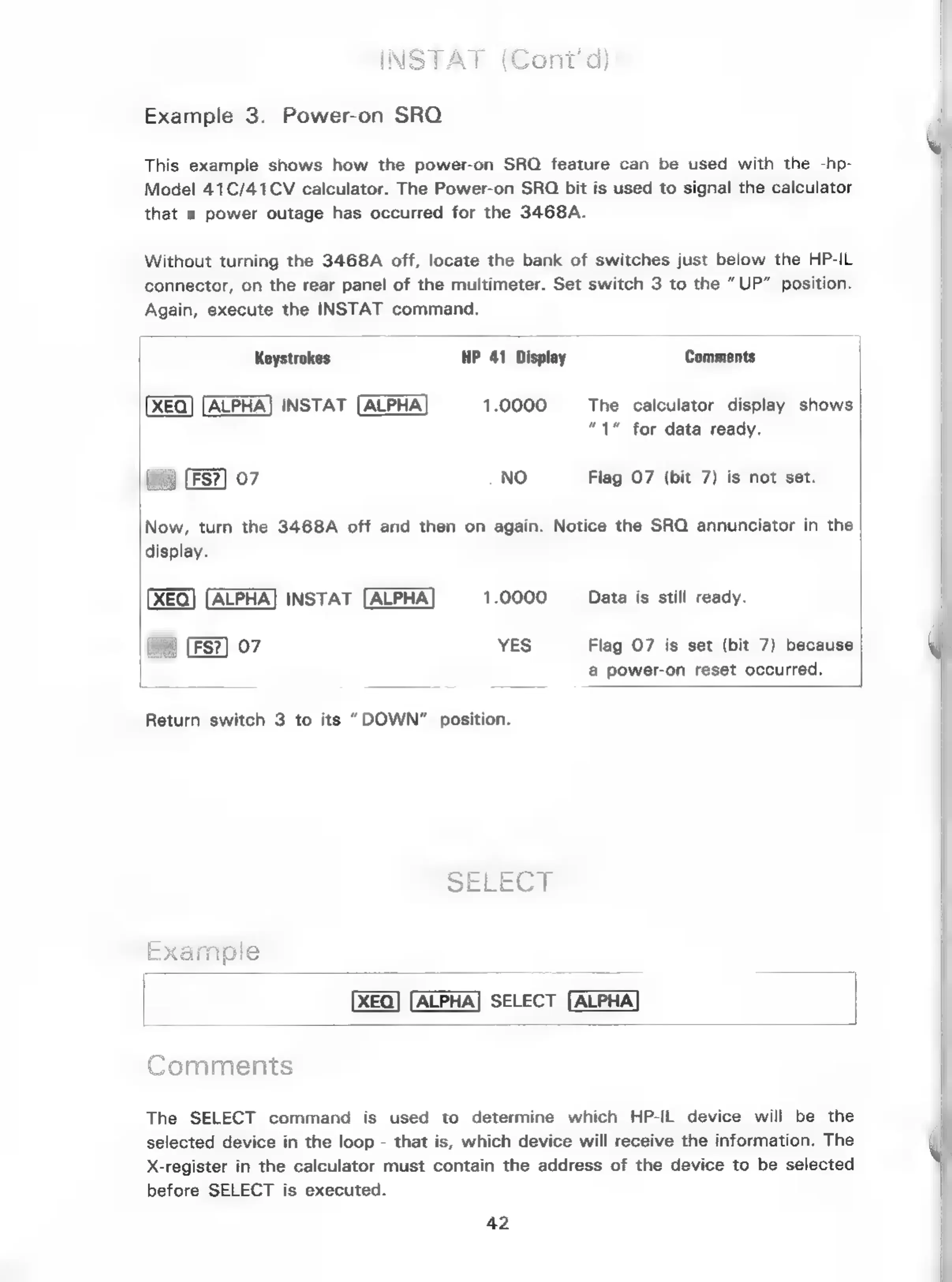
Example
3.
Power-on
SRO
This
example
shows
how
the
power-on
SRQ
feature
can
be
used
with
the
-hp-
Model
41C/41CV
calculator.
The
Power-on
SRQ
bit
is
used
to
signal
the
calculator
that
a
power
outage
has
occurred
for
the
3468A.
Without
turning
the
3468A
off,
locate
the
bank
of
switches
just
below
the
HP-IL
connector,
on
the
rear
panel
of
the
multimeter.
Set
switch
3
to
the
“UP”
position.
Again,
execute
the
INSTAT
command.
Keystrokes
HP
41
Display
Comments
XEQ)
[ALPHA]
INSTAT
[ALPHA]
1.0000
The
calculator
display
shows
“1”
for
data
ready.
w@
07
NO
Flag
O7
(bit
7)
is
not
set.
Now,
turn
the
3468A
off
and
then
on
again.
Notice
the
SRO
annunciator
in
the
display.
ALPHA]
INSTAT
[ALPHA
1.0000
_
Data
is
still
ready.
|
07
YES
Flag
07
is
set
(bit
7)
because
a
power-on
reset
occurred.
Return
switch
3
to
its
“DOWN”
position.
|
SELECT
Cammeny
Comments
The
SELECT
command
is
used
to
determine
which
HP-IL
device
will
be
the
selected
device
in
the
loop
-
that
is,
which
device
will
receive
the
information.
The
X-register
in
the
calculator
must
contain
the
address
of
the
device
to
be
selected
before
SELECT
is
executed.
42

Related product manuals