EasyManua.ls Logo

HP 3468A - Page 48

HP 3468A
114 pages
Print Icon
To Next Page IconTo Next Page
To Previous Page IconTo Previous Page
Loading...
HP3468A
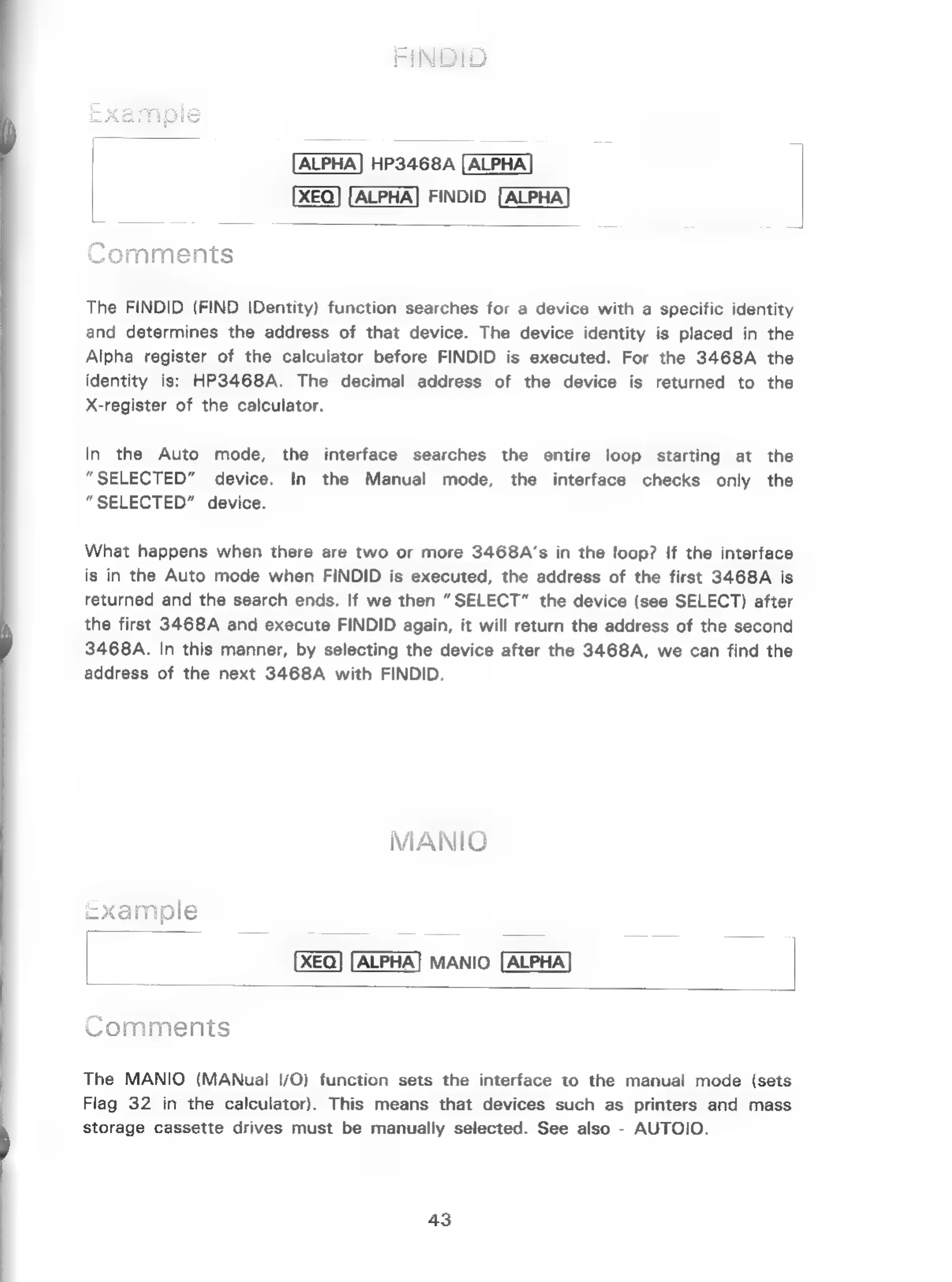
FINDID
Comments
The
FINDID
(FIND
IDentity)
function
searches
for
a
device
with
a
specific
identity
and
determines
the
address
of
that
device.
The
device
identity
is
placed
in
the
Alpha
register
of
the
calculator
before
FINDID
is
executed.
For
the
3468A
the
identity
is:
HP3468A.
The
decimal
address
of
the
device
is
returned
to
the
X-register
of
the
calculator.
In
the
Auto
mode,
the
interface
searches
the
entire
loop
starting
at
the
“SELECTED”
device.
In
the
Manual
mode,
the
interface
checks
only
the
“SELECTED”
device.
What
happens
when
there
are
two
or
more
3468A’s
in
the
loop?
If
the
interface
is
in
the
Auto
mode when
FINDID
is
executed,
the
address
of
the
first
3468A
is
returned
and
the
search
ends.
If
we
then
“SELECT”
the
device
(see
SELECT)
after
the
first
3468A
and
execute
FINDID
again,
it
will
return
the
address
of
the
second
3468A.
In
this
manner,
by
selecting
the
device
after
the
3468A,
we
can
find
the
address
of
the
next
3468A
with
FINDID.
MANIO
=xample
MANIO.
Comments
The
MANIO
(MANuai
|/O)
function
sets
the
interface
to
the
manual
mode
(sets
Flag
32
in
the
calculator).
This
means
that
devices
such
as
printers
and
mass
storage
cassette
drives
must
be
manually
selected.
See
also
-
AUTOIO.
43

Related product manuals