EasyManua.ls Logo

HP 3468A - Page 49

HP 3468A
114 pages
Print Icon
To Next Page IconTo Next Page
To Previous Page IconTo Previous Page
Loading...
AUTOIO
(KEQ]
[ALPHA]
AUTOIO
[ALPHA
Comments
The
82160A
interface
module
for
the
calculator
controls
the
interface
loop
according
to
the
modules
operating
mode
-
either
Auto
or
Manual
(see
MANIO).
The
Auto
mode
is
the
easier
mode
to
use
with
all
HP-IL
devices
including
the
3468A.
This
is
especially
true
if
you
have
one
printer
and/or
one
mass
storage
device
in
the
loop.
In
the
Auto
mode,
when
you
execute
a
printer
or
mass
storage
operation,
the
in-
terface
automatically
searches
through
the
loop
for
the
proper
device
to
carry
out
the
instruction.
Hence
the
name
AUTOIO.
For
example,
if
you
execute
the
PRA
(PRint
Alpha
register)
function
when
the
3468A
is
selected,
the
printer
in
the
loop
automatically
performs
the
operation.
In
the
Manual
mode,
the
printer
would
have
to
be
“SELECTED”
before
the
PRA
function
is
executed.
Writing
Programs
Earlier
in
this
chapter
we
looked
at
a
simple
ac
voltage
measurement
problem
and
developed
a
simple
-hp-
Model
41C/41CV
program.
That
program
illustrates
the
essentials
of
programming:
1,
a
Label;
2,
setting
up
the
3468A
for
a
particular
measurement(s);
3,
triggering
the
multimeter;
and
4,
inputting
the
results.
Of
course,
the
program
must
also
have
an
END
statement.
For
more
specific
informa-
tion
on
programming,
refer
to
the
Owner’s
Handbook
and
Programming
Guide
for
the
-hp-
Model
41C/41CV.
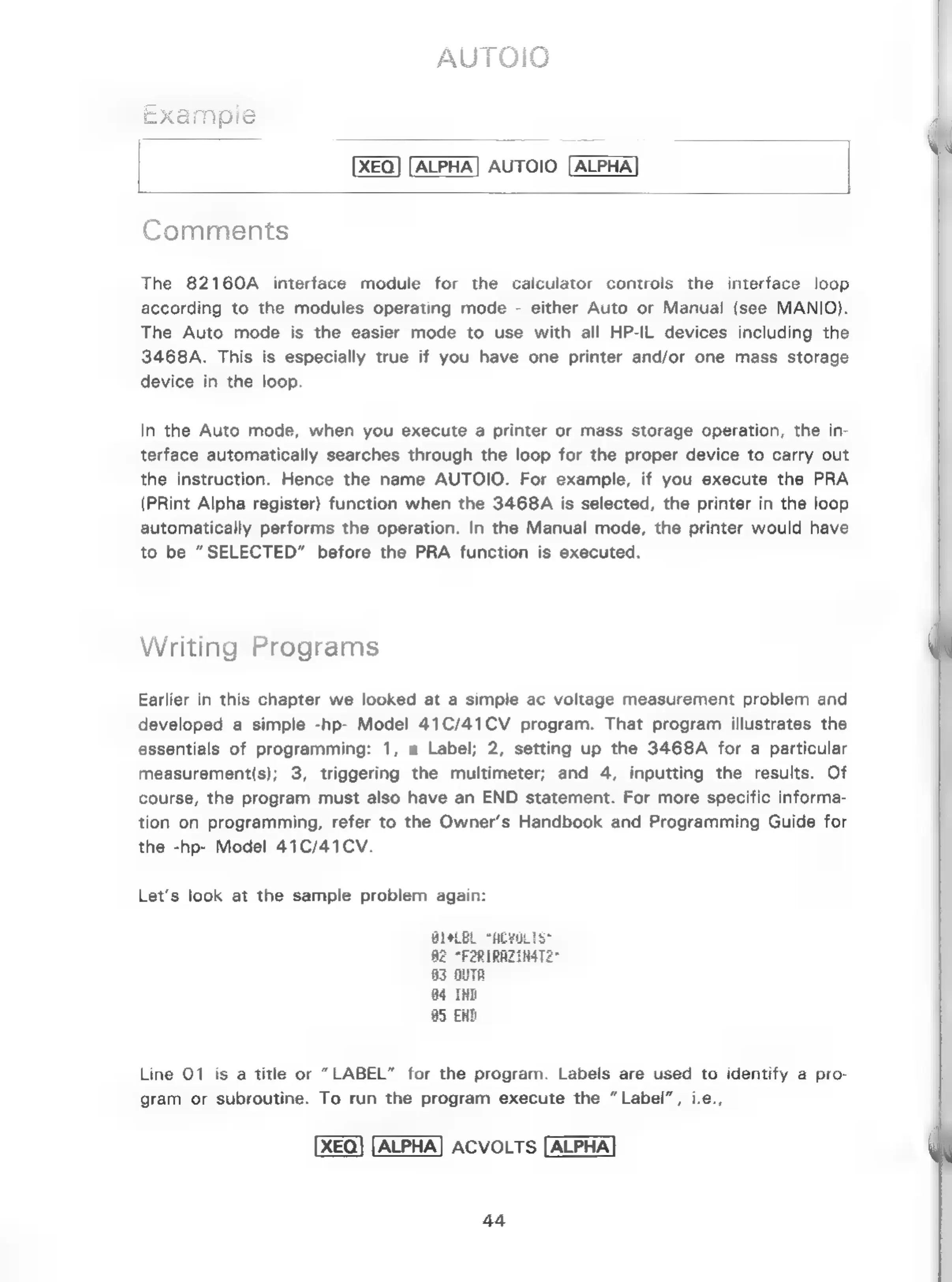
Let’s
look
at
the
sample
problem
again:
8
Be
°F;
83
OUTA
4
INE
85
END
Line
01
is
a
title
or
“LABEL”
for
the
program.
Labels
are
used
to
identify
a
pro-
gram
or
subroutine.
To
run
the
program
execute
the
“Label”,
i.e.,
XEQ]
[ALPHA]
ACVOLTS
[ALPHA]
44

Related product manuals