7
2 Getting Started
Read this section to learn how to start using the camera. This
section covers basic functions such as switching on, installing the
battery and micro SD card, and configuring preliminary settings. See
later chapters for advanced functions.
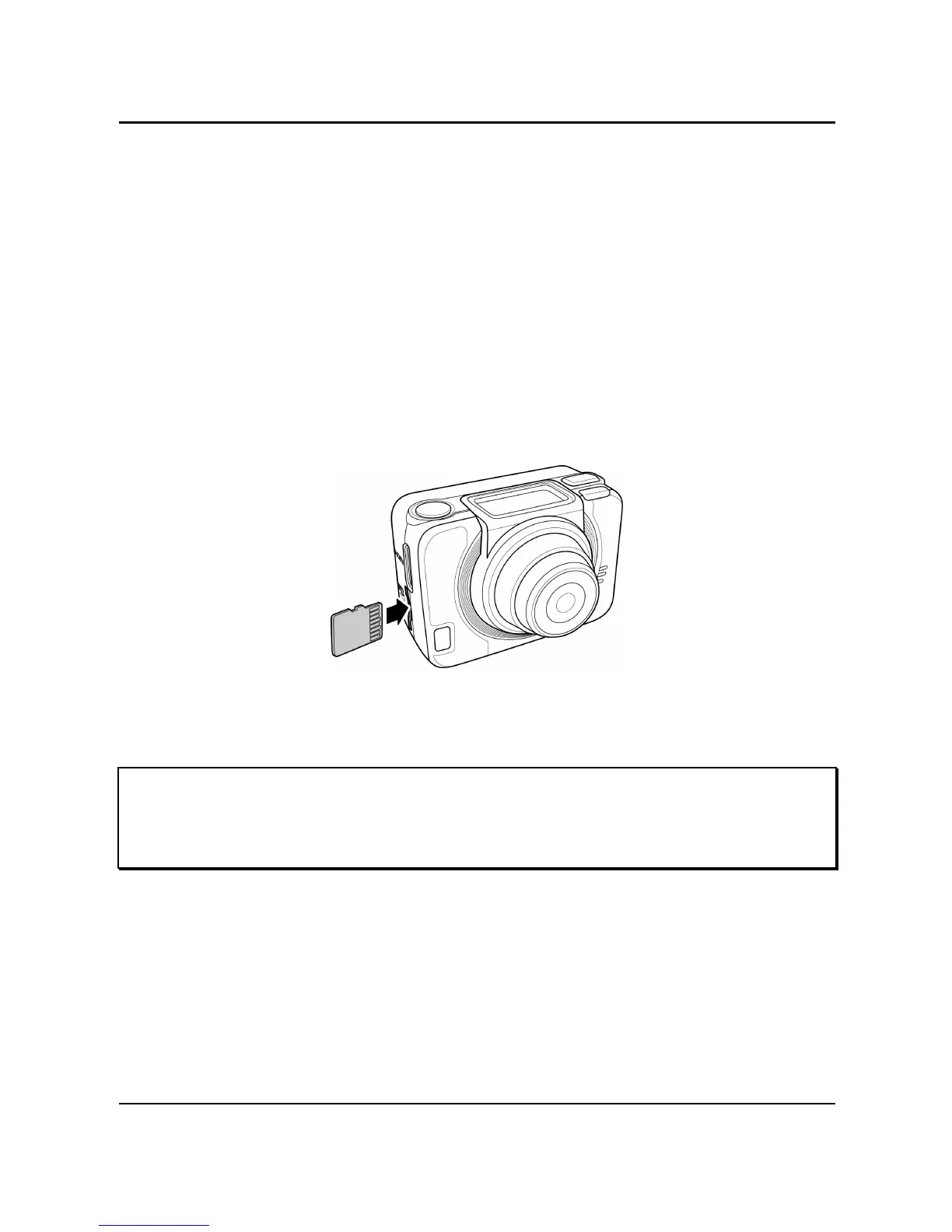
2.1 Installing the Micro SD Card
A micro SD card is required to capture photos and videos. The
camera supports micro SDHC cards up to 32GB.
1. Insert the micro SD card into the card slot with the gold
contacts facing the front of the device.
2. Push the micro SD card until it clicks into place.
Warning: Do not remove the micro SD card while data is being
recorded. Doing so may corrupt the saved data and damage the
card.



 To Next Page