29
4.4 Shooting Interval
This menu allows you to select the interval options when capturing
photos using Lapse mode.
Do the following to select the shooting interval.
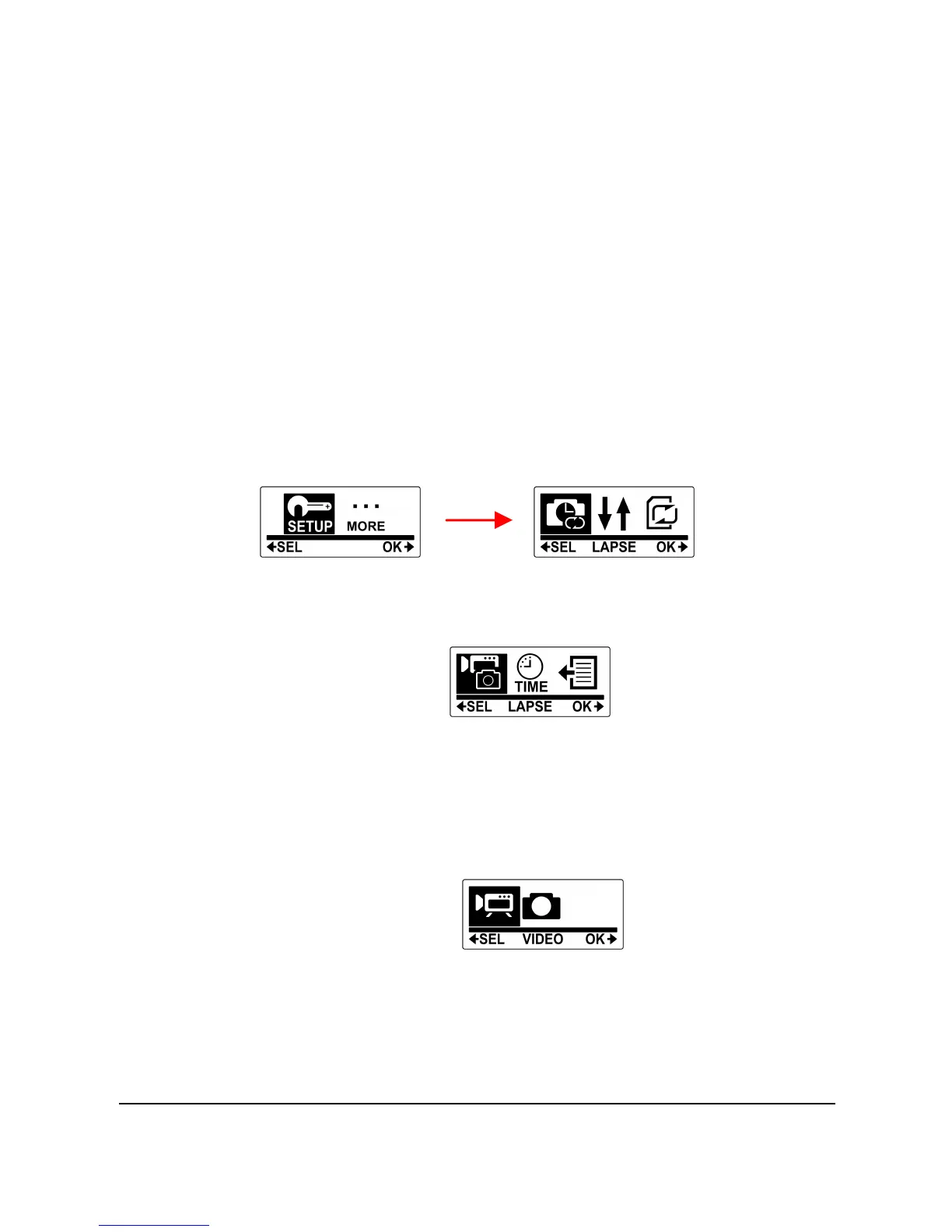
1. Press the Mode button repeatedly to change to SET
mode.
2. Press the Shutter button to enter SET mode.
3. Press the Shutter button to enter the SETUP menu.
4. Press the Mode button to highlight LAPSE.
5. Press the Shutter button to enter the LAPSE submenu.
6. Press the Mode button repeatedly to select LAPSE
MODE or LAPSE TIME.
7. Do the following:
• To select the recording mode, highlight LAPSE MODE
and press the Shutter button. Then press the Mode
button repeatedly to select VIDEO or PHOTO.
• To set the shooting interval, highlight LAPSE TIME and
press the Shutter button. Then press the Mode button
repeatedly to scroll through the shooting interval



 To Next Page