40
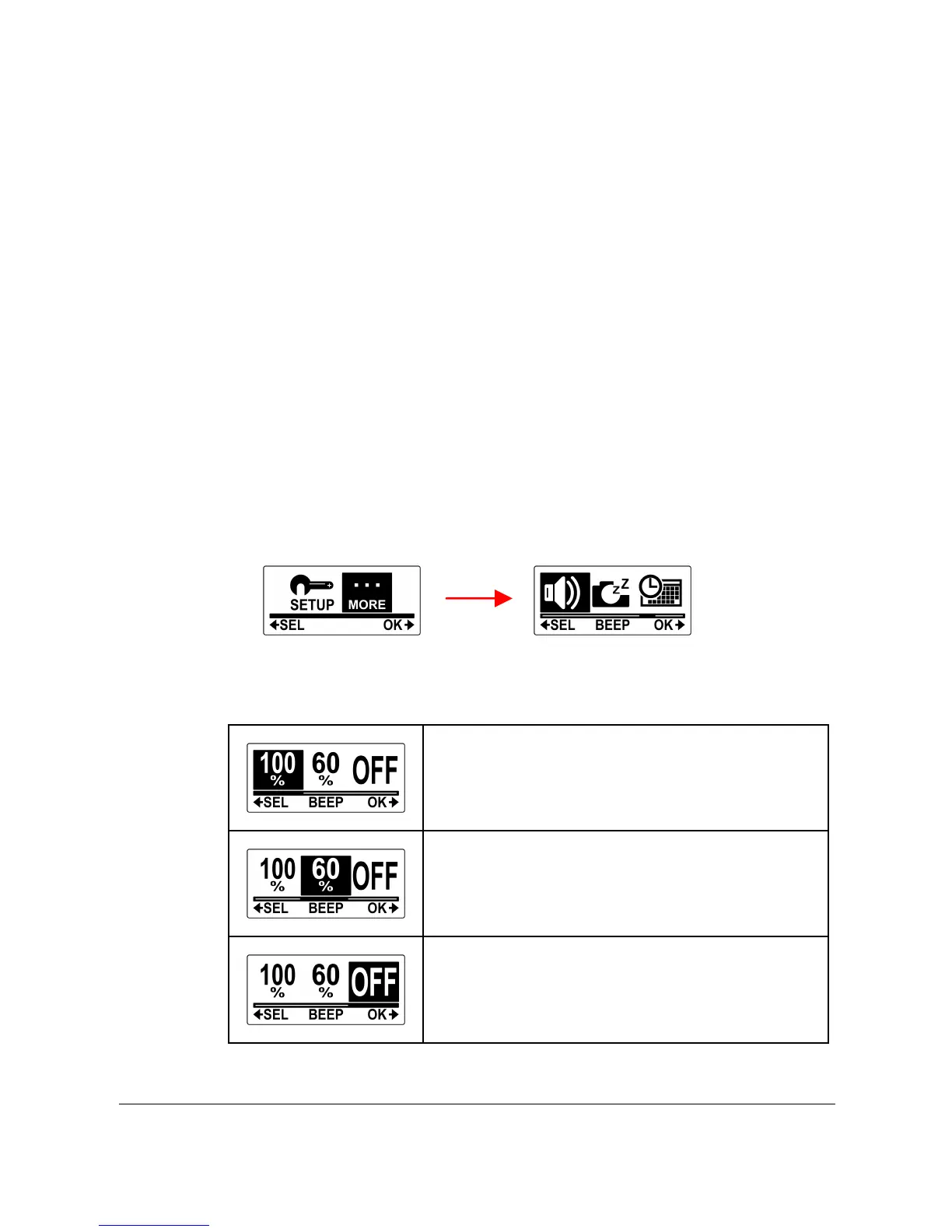
4.11 Beep
This menu allows you to enable or disable the beep sound when you
press the Power / Mode or Shutter buttons.
Do the following to enable or disable the beep sound.
1. Press the Mode button repeatedly to change to SET
mode.
2. Press the Shutter button to enter SET mode.
3. Press the Mode button to highlight MORE.
4. Press the Shutter button to enter the MORE menu.
5. Press the Mode button to highlight BEEP.
6. Press the Shutter button to enter the BEEP submenu.
7. Press the Mode button repeatedly to scroll through the
beep options.



 To Next Page