Home
HP
Action Cameras
ac300w
Page 23 (Turning ON;OFF the Camera)
HP ac300w - Turning ON;OFF the Camera
69 pages
Manual
Save Page as PDF
To Next Page
To Next Page
To Previous Page
To Previous Page
Loading...
1
1
2.4
Turning ON/ O
FF the Came
ra
•
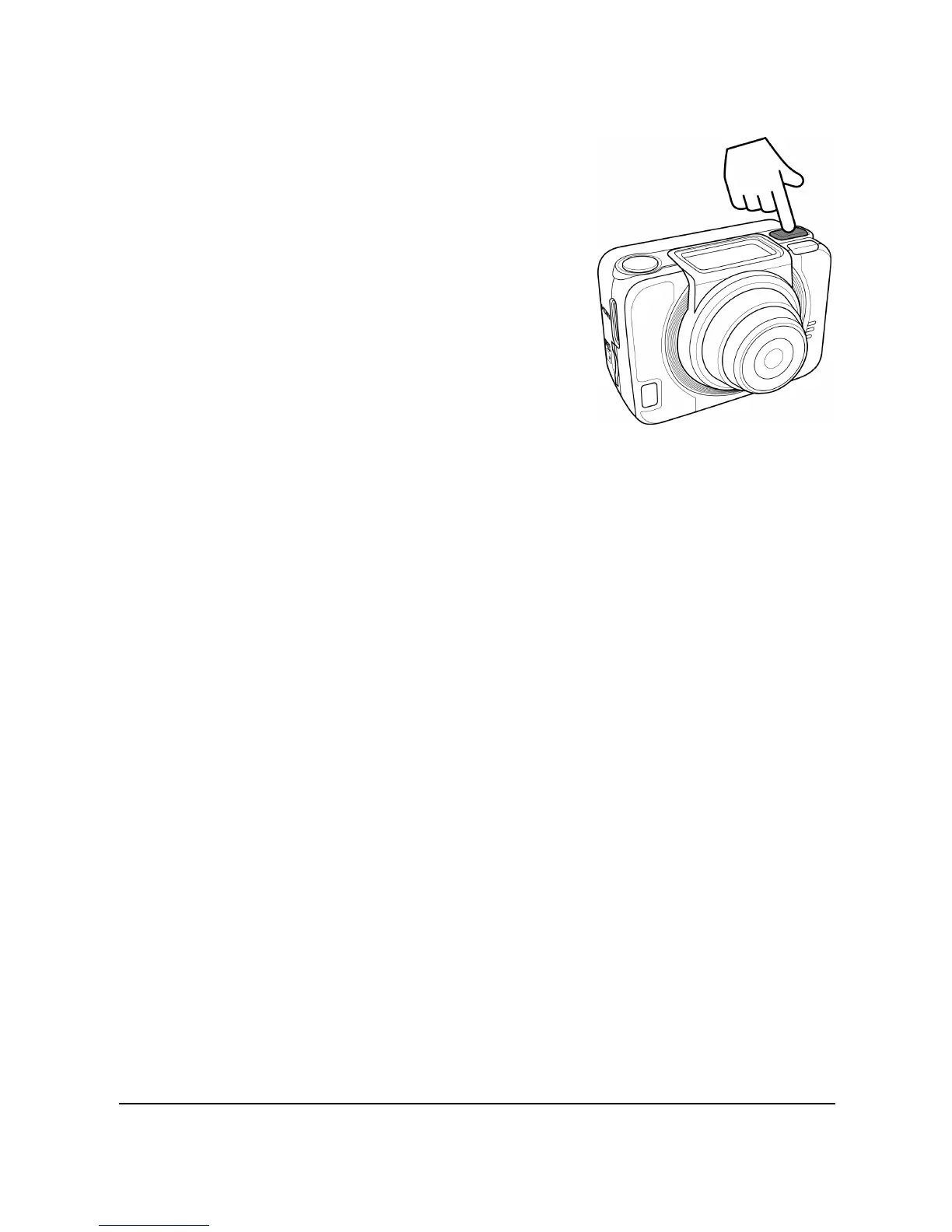
To turn on the ca
m
era
, press the
Power
button.
The
Pow
er/Status
LED
indicator lights green
for 3 seconds.
•
To turn off the ca
m
era
, press and
hold the
Power
button
for 3 secon
ds.
22
24
Table of Contents
Main Page
Default Chapter
2
Default Chapter
2
Table of Contents
2
About this Manual
5
Copyright
5
FCC Statement
6
Radiation Exposure Statement
6
Precautions
7
Operating Conditions
8
Notes on Waterproof Case
9
Before You Start
12
1 Introducing the Camera
13
System Requirements
13
Features
13
Unpacking the Camera
14
About the Camera
16
Camera Views
16
Button Functions
17
LED Indicators
18
2 Getting Started
19
Installing the Micro SD Card
19
Removing the Micro SD Card
20
Installing the Battery
20
Removing the Battery
21
Charging the Battery
22
Turning ON/ off the Camera
23
OLED Screen
24
Changing Modes
26
Connecting to TV (HDMI Cable)
27
Connecting to PC (Micro USB Cable)
27
3 Capturing Videos and Photos
28
Recording Videos
28
Taking Photos
28
Wifi
29
Burst Shooting
29
Time Lapse Shooting
30
Self-Timer
30
Loop Recording
31
4 Adjusting the Settings
33
Video Resolution
35
Photo
38
Timer
40
Shooting Interval
41
Up/Down
43
Loop
44
Delete
47
OSD Up/Down
49
Led
50
Brightness
51
Beep
52
Auto-Off
53
Date and Time
54
Factory Default
58
5 Using the Accessories
59
Waterproof Case
59
Using the Waterproof Case
59
Changing the T Tip Adapter
61
Changing the Housing Back Door
62
Velcro Strap
62
Assembling the Camera Accessories
63
RF Watch Remote Control
64
Appendix
66
Specifications
66
Troubleshooting
68
Other manuals for HP ac300w
Quick Start Guide
229 pages
Related product manuals
HP ac200
206 pages
HP ac200w
62 pages
HP Action Cam AC200
58 pages
HP Action Cam ac200w
2 pages
HP DSJ-A7
56 pages



 To Next Page