51
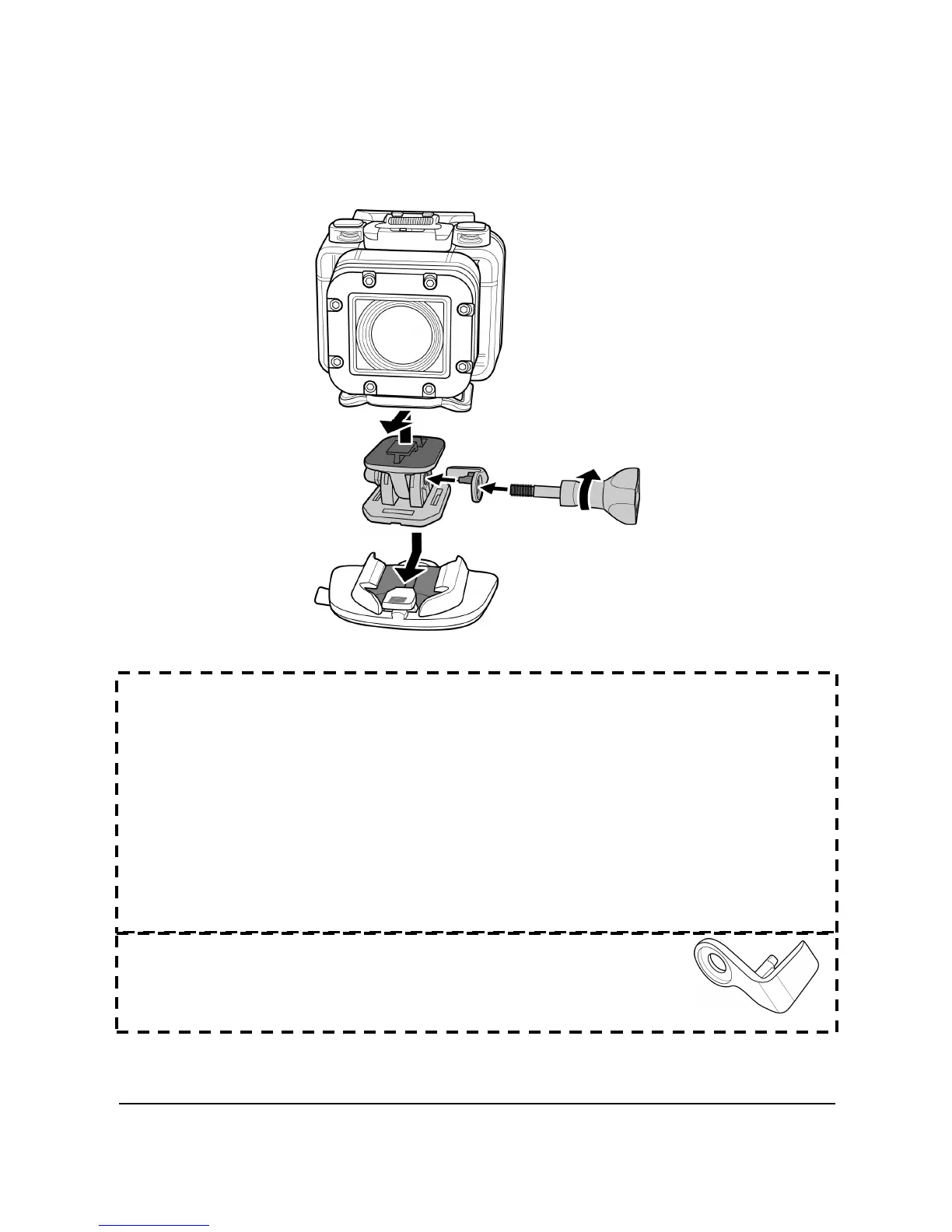
5.3 Assembling the Camera Accessories
Lock the T tip adapter to the T tip of the adjoining accessories to
install them to your camera.
Tips on attaching adhesive mounts
• Apply to clean surfaces - wax, dust, and oily essence free.
• Attach the mount at room temperature.
• Mount only on smooth surfaces. To obtain optimum adhesion,
firmly press into place when installing the mount.
• It is highly recommended to attach the mount a minimum
of 24 hours before its initial usage.
• To prevent falls or losing your device, install
the safety lock onto the swivel T tip to secure
the device position into place.



 To Next Page