8
2.1.1 Removing the Micro SD card
1. Turn off the camera.
2. With a fingertip, push the micro SD card to eject it from
the slot.
3. Remove the micro SD card.
2.2 Installing the Battery
Warning: Use only the supplied battery or a similar battery
recommended by the manufacturer or the dealer.
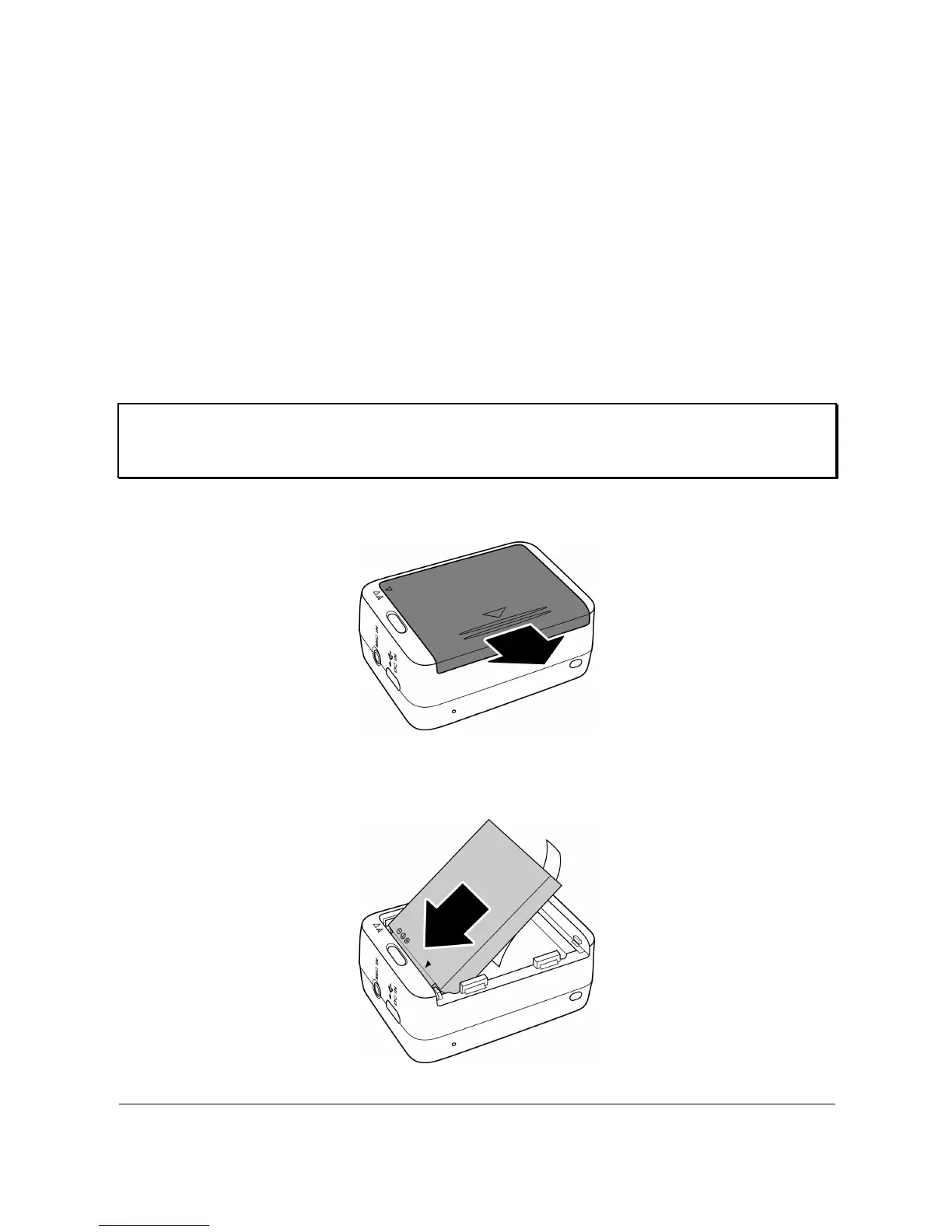
1. Push down the battery compartment cover to open it.
2. Align the battery contacts and then insert the battery into
the compartment with the ribbon underneath the battery.



 To Next Page