10
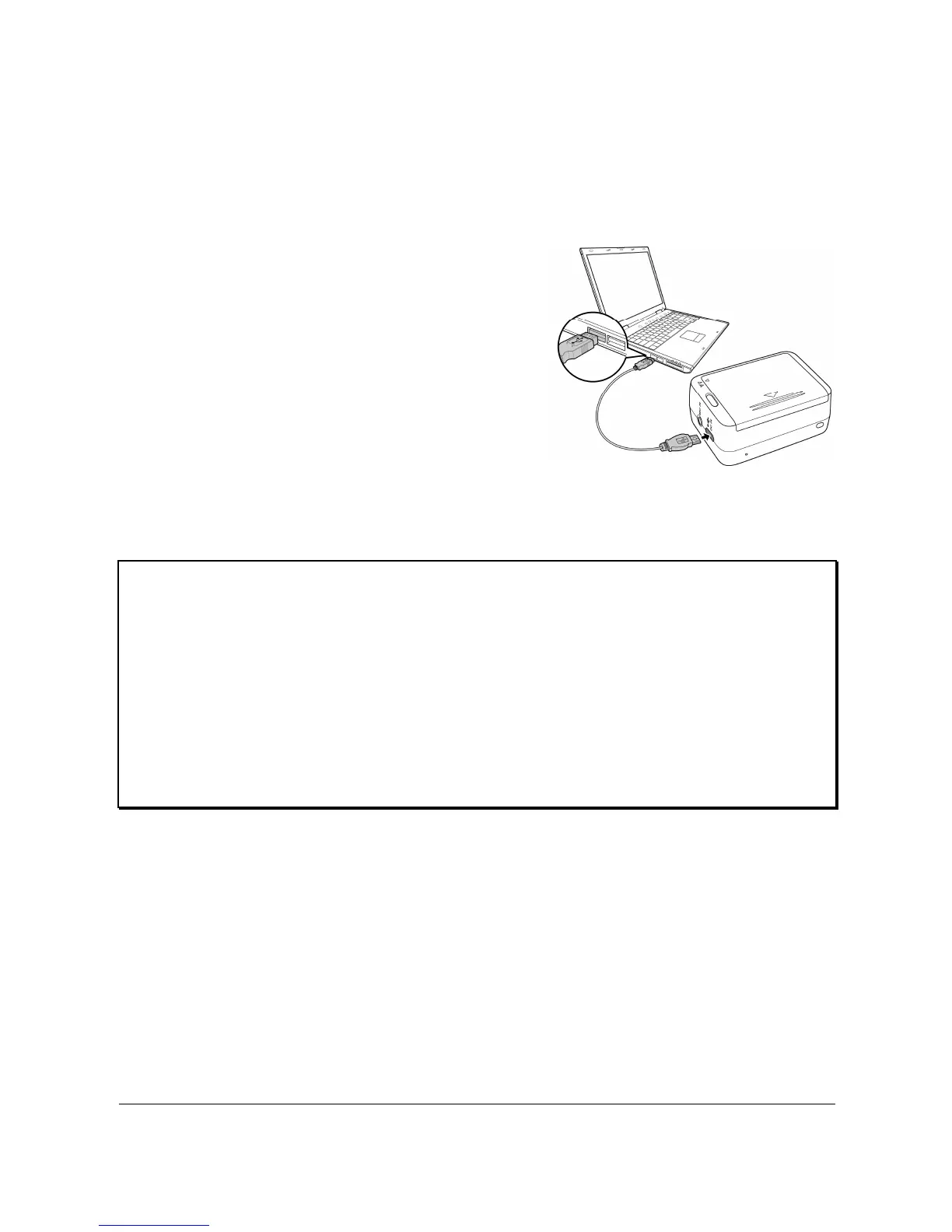
2.3 Charging the Battery
You can charge the battery using the micro USB cable that came
with the camera. Follow the steps below to charge the battery.
1. Install the battery into the
battery compartment.
2. Plug the micro-USB
connector to the USB port
of your device.
3. Plug the other end of the
USB cable to a computer.
Note:
The battery LED blinks red. After a full charge, the LED turns off.
Approximate charging time is 240 minutes with a USB
connection. Actual charging time depends on current battery
capacity and charging conditions.
You may also use many standard USB AC adapters to charge
your camera battery



 To Next Page