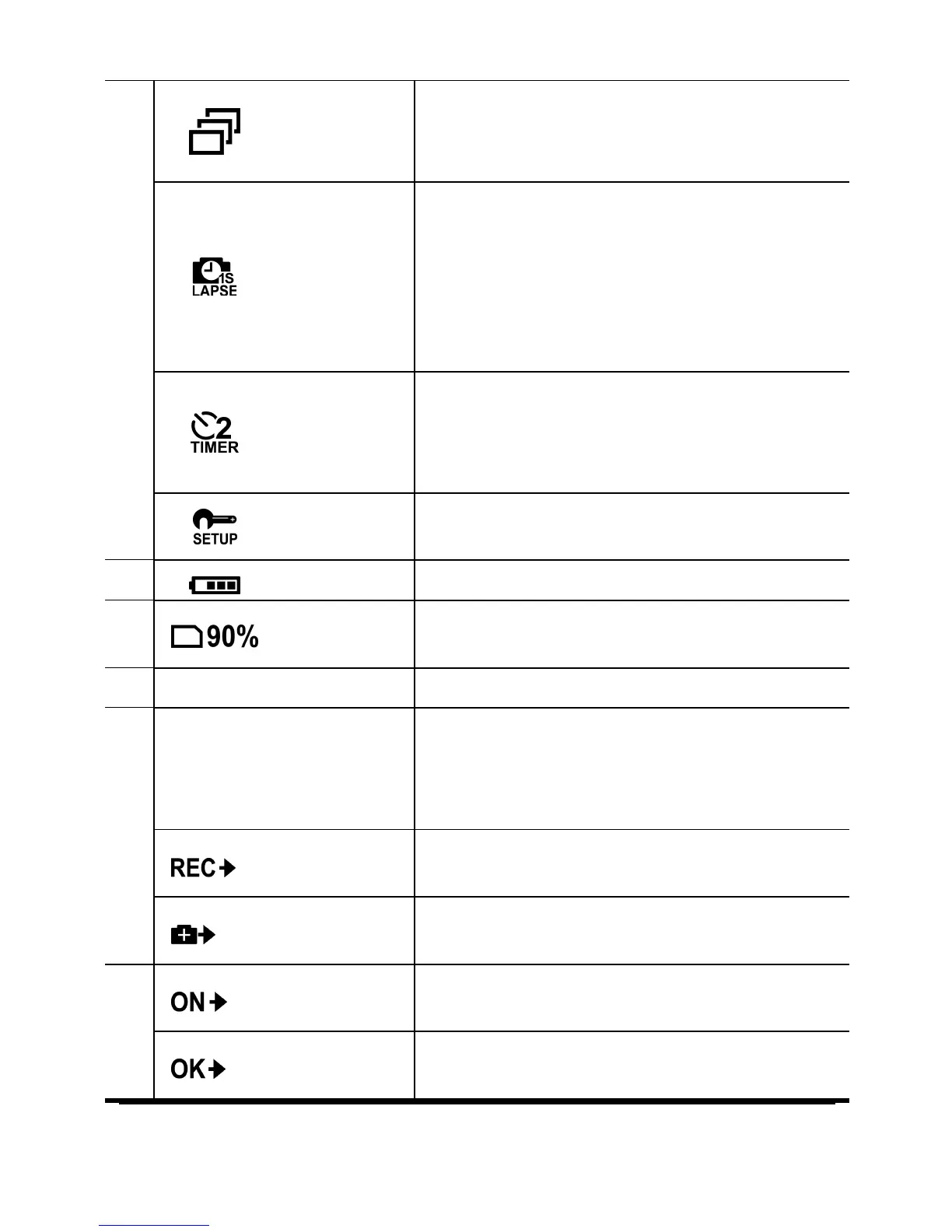
Burst
Mode
Use this mode to capture 10
continuous photos with one press of
the Shutter button.
Time
Lapse
Mode
In this mode, photos are continuously
captured with a specific interval time
when the Shutter button is pressed.
To stop capturing, press the Shutter
button again. The icon also indicates
the current capture settings.
Self-timer
Mode
In this mode, photos are taken 10 or 2
seconds after pressing the Shutter
button. The icon also indicates the
current capture settings.
Set Mode
Button Function
Indicates the operation that the
camera will do when the Shutter
button is pressed. The displayed icon
varies depending on the mode.
Record
Press the



 To Next Page