EasyManua.ls Logo

HP ac300w - Page 34

HP ac300w
69 pages
Print Icon
To Next Page IconTo Next Page
To Previous Page IconTo Previous Page
Loading...
22
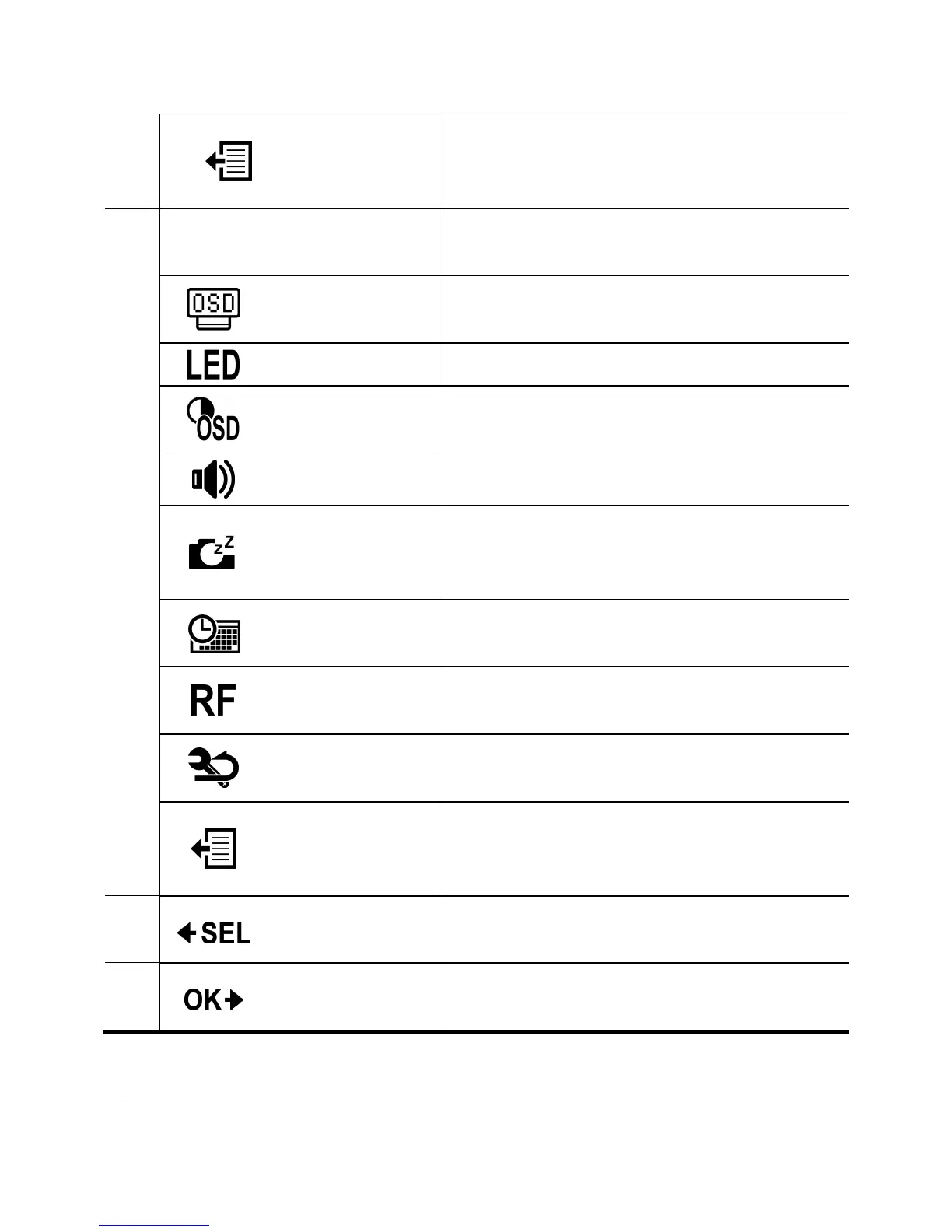
Exit
Select to close the SETUP menu
and return to the previous menu
screen.
2
MORE Menu
Select MORE to adjust basic
camera settings.
Up/Down
Select to set the direction of the
OSD screen display.
LED Select to turn the LED on or off.
Bright
Select to adjust the screen
brightness.
Beep Select to adjust the beep volume.
Auto-Off
Select to set the time for the camera
to automatically turn off when not in
use.
Time
Select to set the camera date and
time.
RF
Select to pair with the RF remote
control.
Default
Select to set the camera to default
factory settings.
Exit
Select to close the MORE menu
and return to the previous menu
screen.
3

Select
Press the
Mode
button to scroll and
highlight menu items.
4
Confirm
Press the
Shutter
button to confirm
a highlighted item.

Other manuals for HP ac300w

Related product manuals