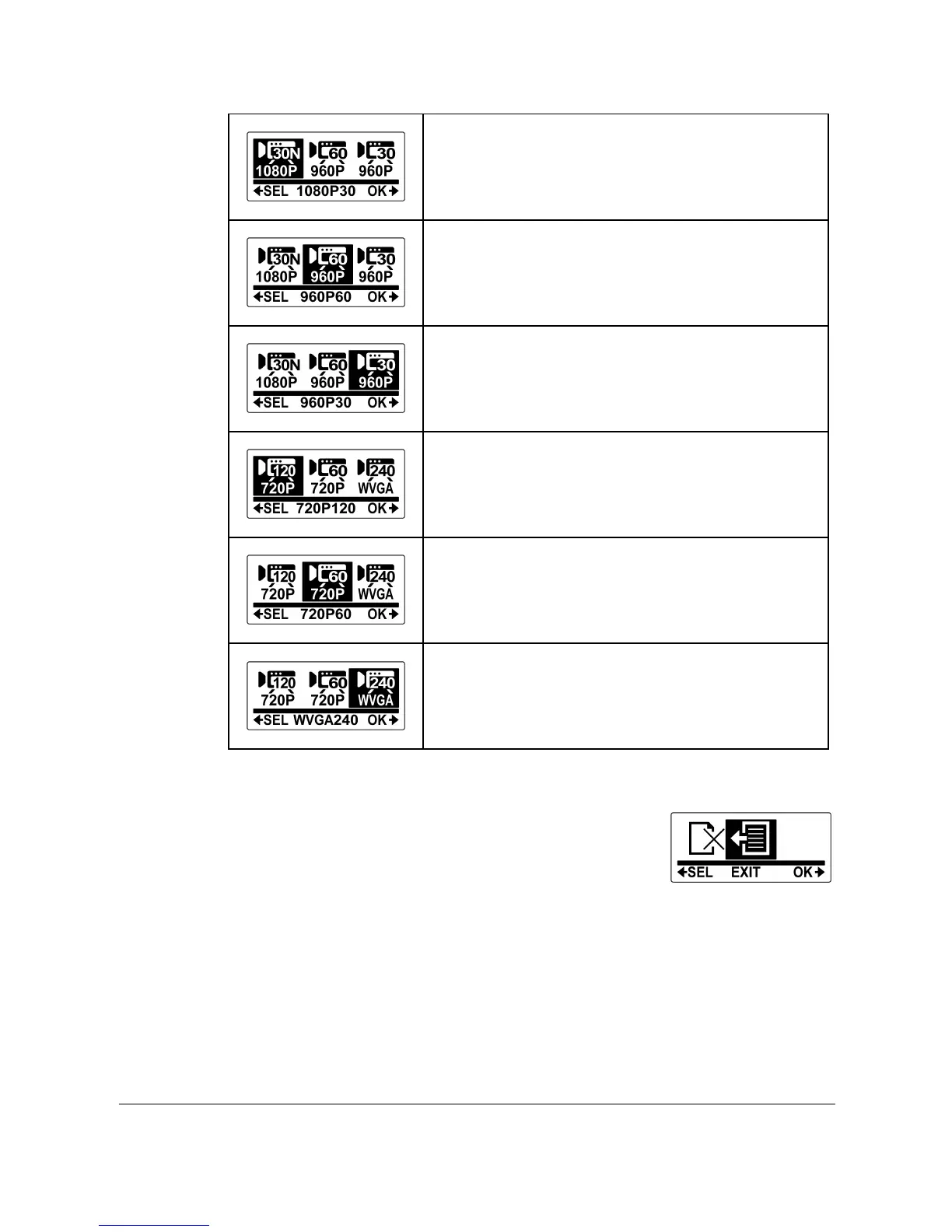
16:9 Narrow,
1080P (1920x1080, 30fps)
4:3, 960P (1280x960, 60fps)
4:3, 960P (1280x960, 30fps)
16:9, 720P (1280x720, 120fps)
16:9, 720P (1280x720, 60fps)
16:9, WVGA (848x480, 240fps)
6. Press the Shutter button to confirm.
7. To exit the menu, press the Mode
button repeatedly until the EXIT screen
appears.
8. Press the Shutter button to exit SET mode.



 To Next Page