48
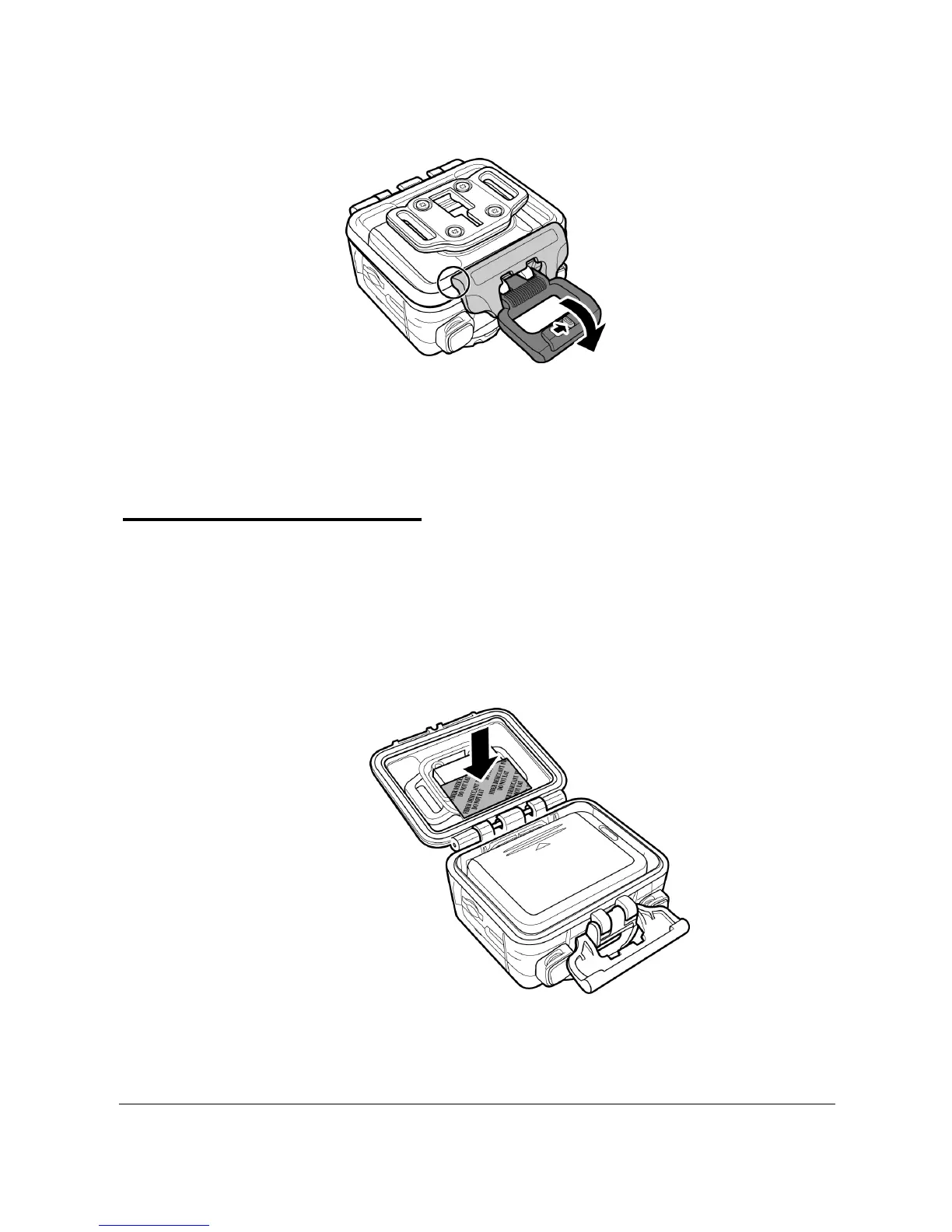
3. Secure the waterproof case lock.
The waterproof case can be used with other accessories such as the
swivel T tip, bike mount, chest mount, head mount, etc.
How to avoid fogging
1. Put 4 Anti-fog Inserts in waterproof case. Be sure to wait
two hours at least before using underwater.
After using the anti-fog inserts, they need to dry or put in
electronic dry cabinet.
2. Use the fogging agent or toothpaste to spray inside the
lens. Cross the water and left to dry to avoid fogging.



 To Next Page