Connecting USB devices
USB connectors are used to connect devices such as a digital camera, USB keyboard, or USB
mouse. Two USB connectors are located on the side panel of the monitor.
NOTE: You must connect the USB hub cable from the monitor to the computer to enable the USB
2.0 ports on the monitor. Refer to Step 5 in Connecting the cables on page 7.
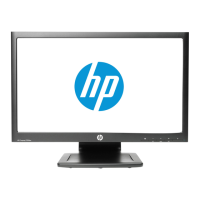
Figure 3-10 Connecting USB devices
Connecting USB devices 13


 To Next Page
 Loading...