Installing the switch | 40
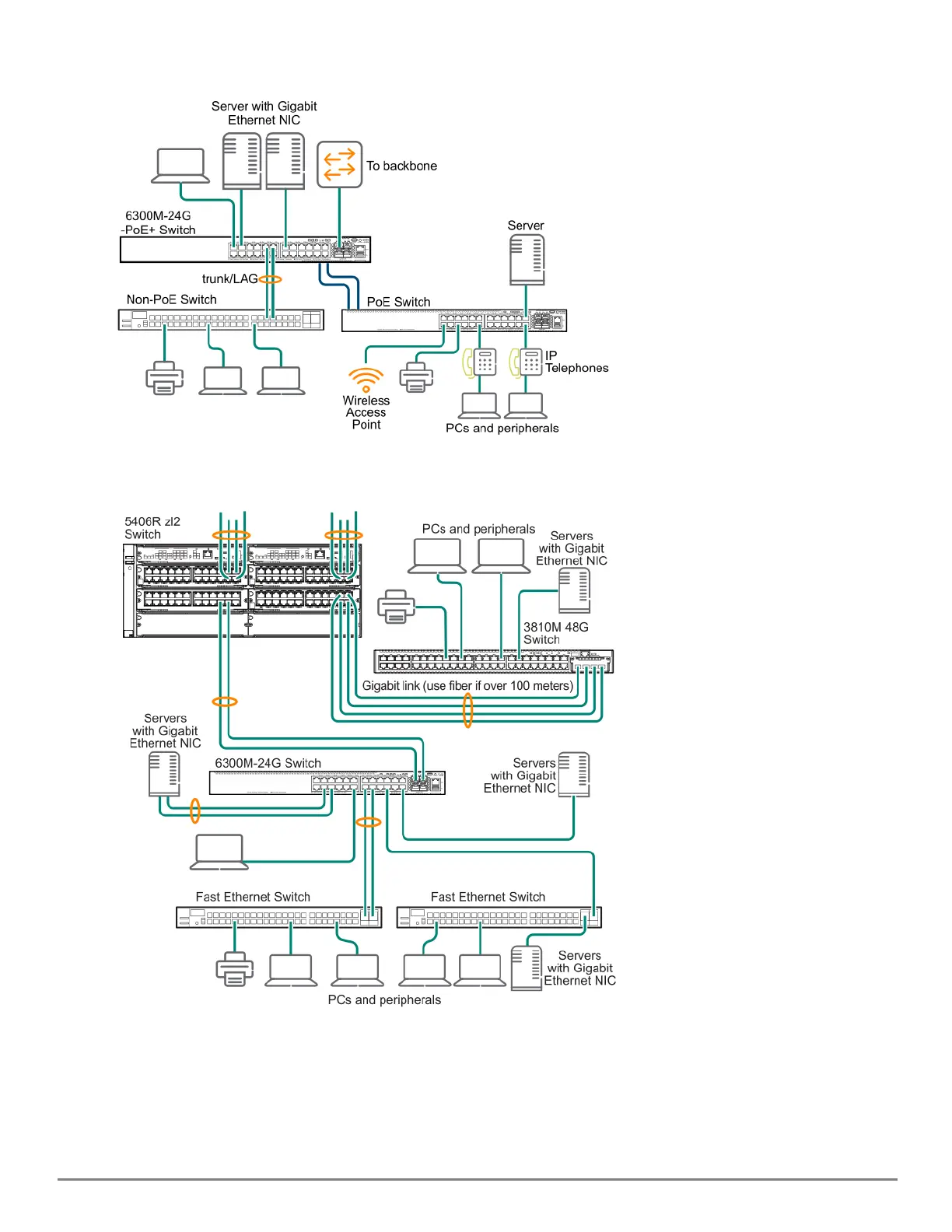
Figure 13 Example as a Segment Switch Implementing PoE
Figure 14 Example of Connecting to a Backbone Switch
For example, you can use an backbone switch to interconnect each of your smaller work group switches to form a
larger network. All devices in this network can communicate with each other and also with the campus backbone.
Depending on your bandwidth needs, the links between switches can run at 1G/10G/25G/50G, and use copper or
fiber cabling with the appropriate SFP/SFP+/SFP28/SFP56 transceivers. Links can also be aggregated for additional
bandwidth and redundancy.










 To Next Page