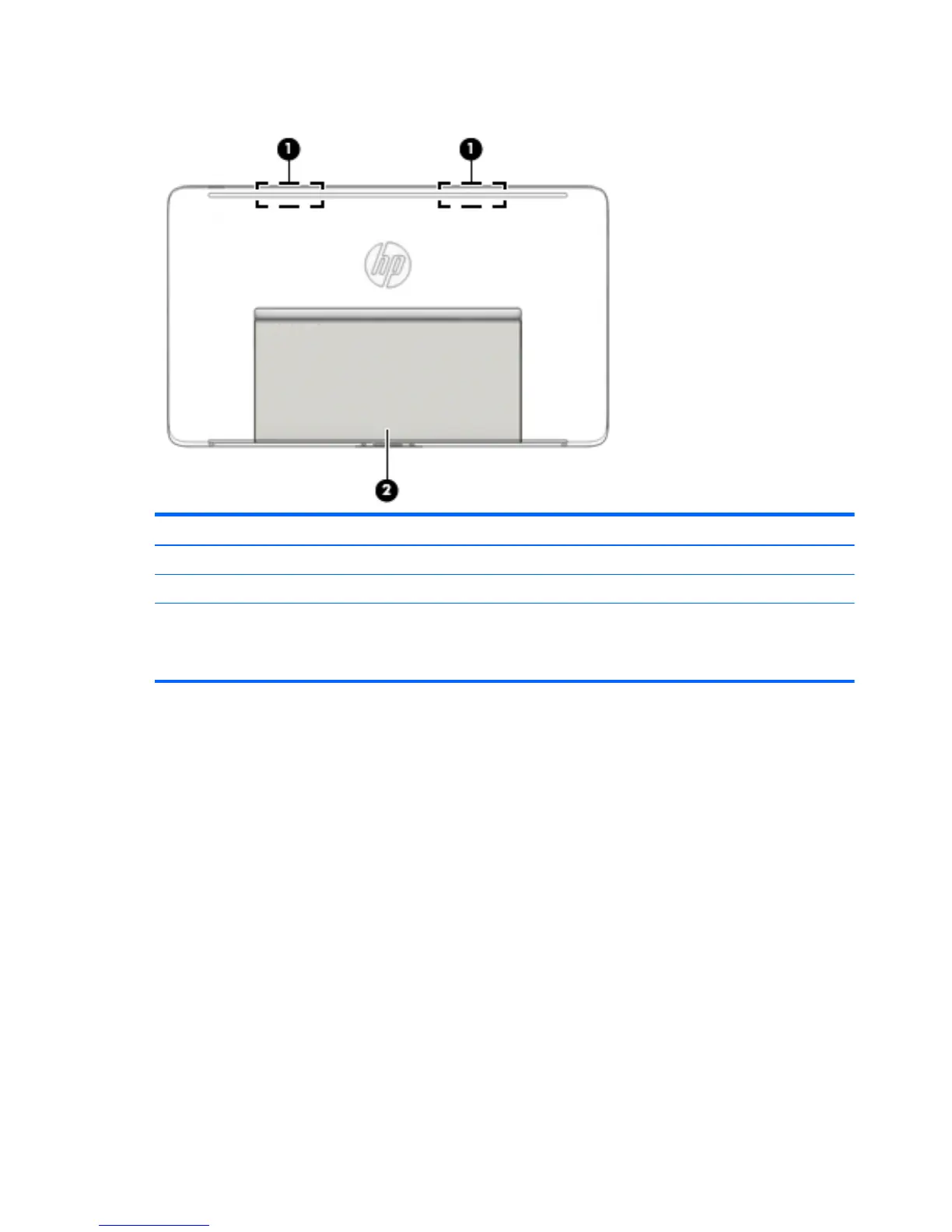
Bottom
Component Description
(1) WLAN antennas (2)* Send and receive wireless signals.
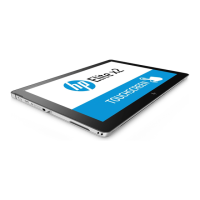
(2) Tablet stand Positions the tablet at different angles.
*The antennas are not visible from the outside of the tablet. For optimal transmission, keep the areas immediately around the
antennas free from obstructions. For wireless regulatory notices, see the section of the Regulatory, Safety, and Environmental Notices
that applies to your country or region. To access this guide, from the Start screen, type support, and then select the HP Support
Assistant app.
8 Chapter 2 External component identification


 To Next Page
 Loading...