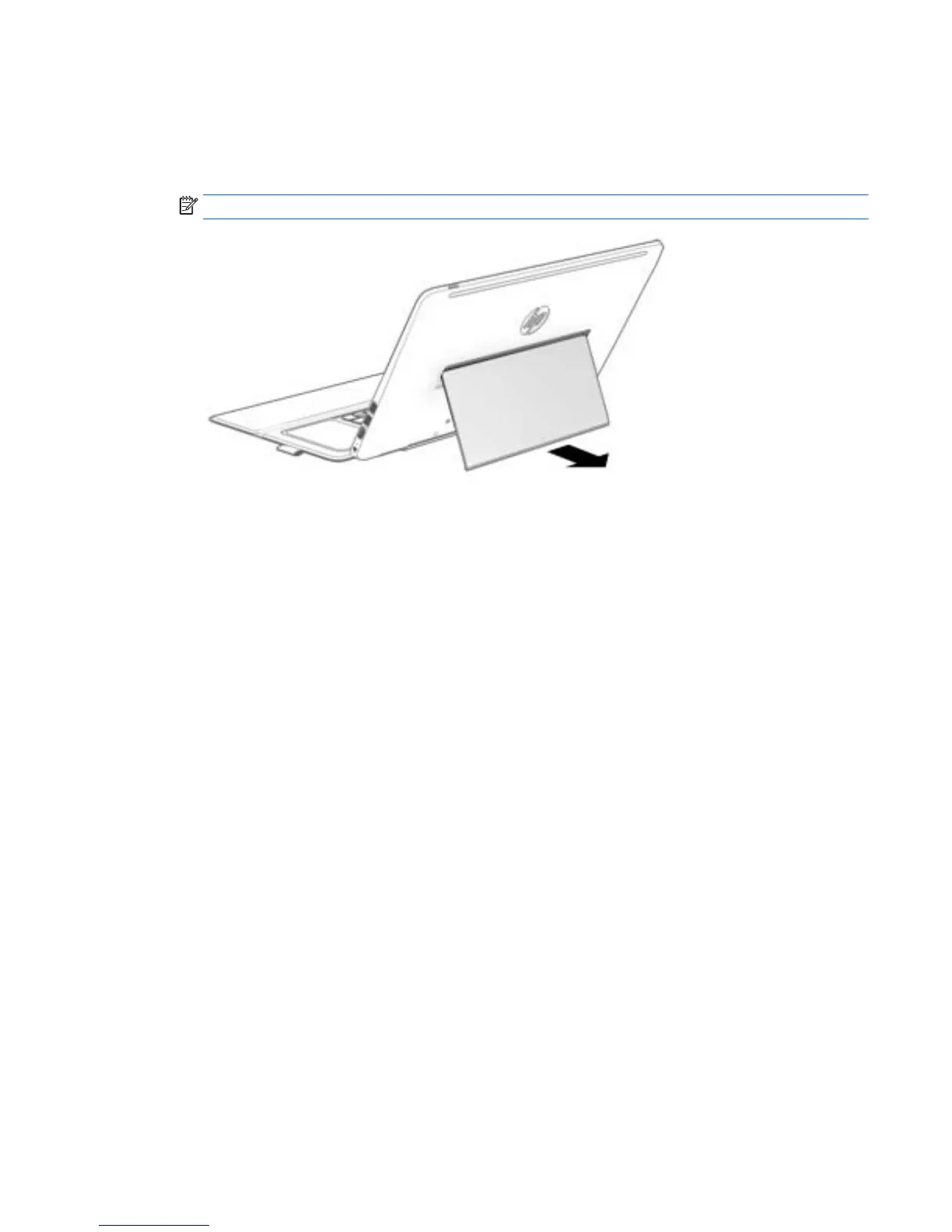
Adjusting the tablet stand
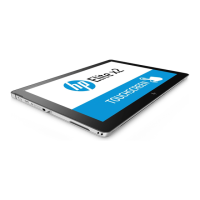
You can adjust the tablet stand to position the tablet at different angles.
▲
To adjust the tablet stand, pull the stand out and move it up or down to position the tablet.
NOTE: The tablet stand can open at angles from 110° (minimum) to 163° (maximum).
Adjusting the tablet stand 9


 To Next Page
 Loading...