23
3.4.3 Camera Setting
You can use this feature to set up most of your camcorder options.
1.
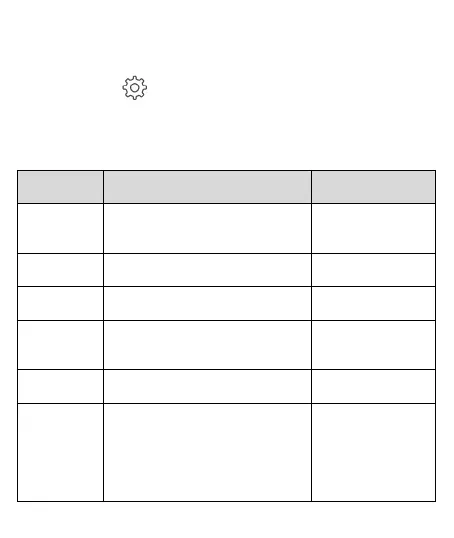
Tap icon [Camera Setting].
2.
Refer to the below table for details of menu items and
available menu options.
Menu
Option
Description
Available
options
Camera
Volume
Setting
Setting volume 1~10
Record
Interval
Save respective video files in a
length of the selected duration.
1 min / 2 min /
3 min
Collision
Detection
Set up sensitivity level of
collision detection.
Off / High / Mid /
Low
Format
To format the memory card, all
the files in the camcorder will be
deleted.
Yes / Cancel
Resolution
Set up resolution of recording
video
1296p (30fps)
1080p (30fps)
Anti-flicker
Domestic power supply varies
by area. It is recommended that
you should check the “Table of
voltage and frequency of
different countries” for the
correct setting.
50Hz / 60Hz



 To Next Page