27
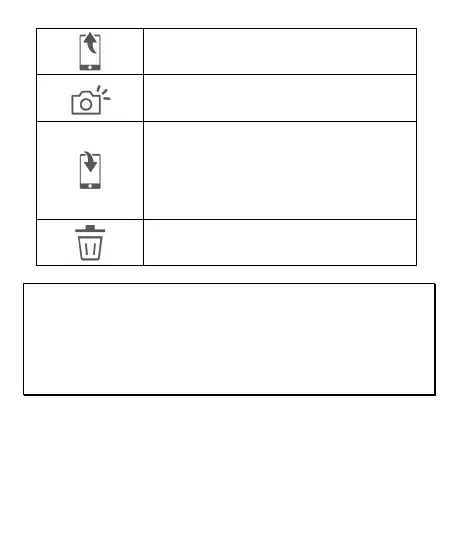
Share the file to social media.
Video Screenshot. The file will be saved in
“Album”.
Save the file to smart phone’s album. When
the file saving is done, screen message will
show “Save to smartphone’s album
successfully”, and the smart phone’s album
will create a new folder named “Go Moto
Plus”.
Delete the file in the App’s Album. The file
in the camcorder still exists.
Note:
1. Deleted files cannot be recovered. Ensure the files have been back-up before
deletion.
2. If you find the downloaded files unable to playback or without audio, which
means the smart phone itself does not support the video decoding. It’s not the
problem of the file. We recommend you to install one free App software such as
VLC to playback the file.



 To Next Page