29
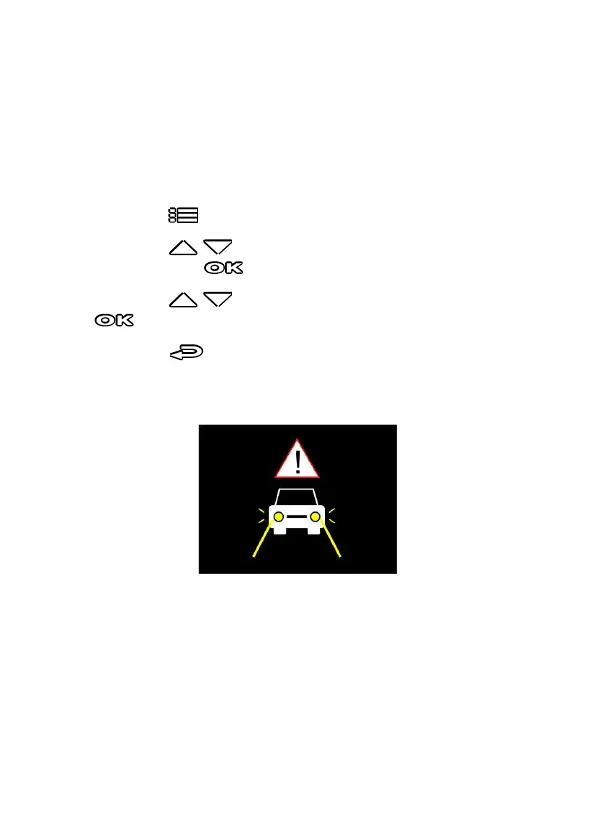
3.4.6 Headlight Warning
The Headlight Warning function produces audible alert and screen
message when it detects poor lighting conditions through the
recording displays of this camcorder, including driving in rainy or
cloudy weather, at night, and in basements, parking lots, and
tunnels.
To enable the Headlight Warning, do the following:
1. Press the button to enter the OSD menu.
2. Press the / button to select Headlight Warning, and
then press the button for entering function menu.
3. Press the / button to select On, and then press the
button to enable the function.
4. Press the button to return recording screen.
5. This product produces audible alert and screen message when
Headlight Warning activates.



 To Next Page