47
5.4 Camera Setting
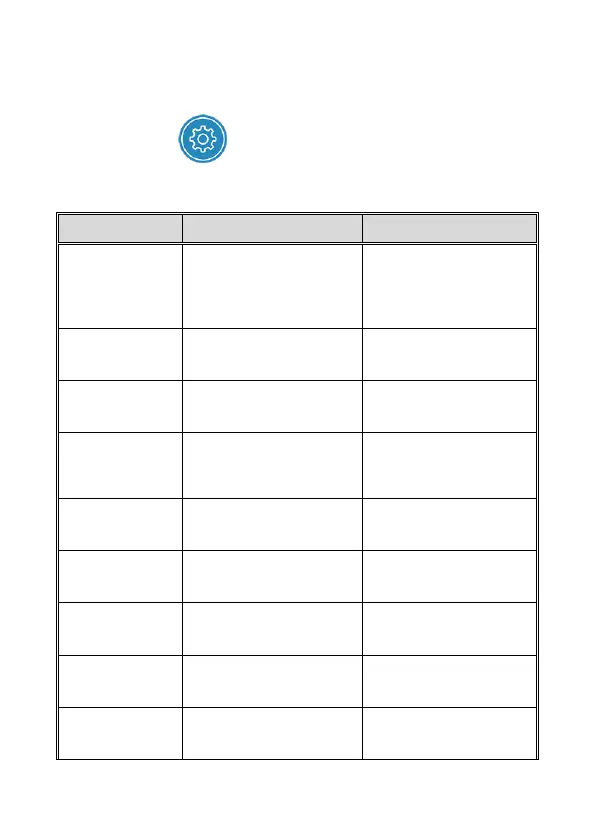
You can use this feature to set up your car camcorder.
1. Touch icon [Camera Setting].
2. Refer to the below table for details of menu items and available
menu options.
Set the desired video
resolution.
1080p 30fps HDR
1080p 27.5fps HDR
720p 30fps HDR
720p 27.5fps HDR
Save respective video
files in a length of the
selected duration.
Setting for activating
audio in the video.
If the time stamp is
enabled, recording files or
photos will show the date
and time.
Return to factory default
setting.
To format the memory
card, all the files in the
camcorder will be deleted.
Indicates the current car
camcorder’s firmware
version.
Indicates the current
application version.



 To Next Page