36
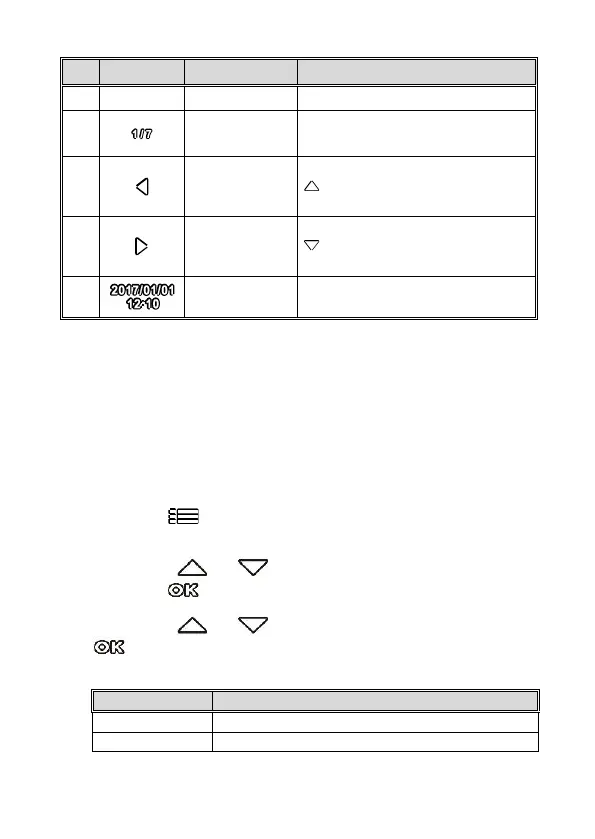
Shows the current file serial number
and total file number.
When viewing pictures, press the
button will switch over to the
previous file.
When viewing pictures, press the
button will switch over to the
next file.
Date and time of photo taking.
***Press Power Key to switch between front and back
images.
3.9 Deleting Files
To delete file(s), perform the following steps:
1. Press the button to stop recording and enter the main
Menu.
2. Press the or button to select File Deletion and
press the button to confirm.
3. Press the or button to select folder and press the
button to confirm. The following options will display in
screen,
Delete the current selected file.
Deletes all files in this folder.



 To Next Page