50
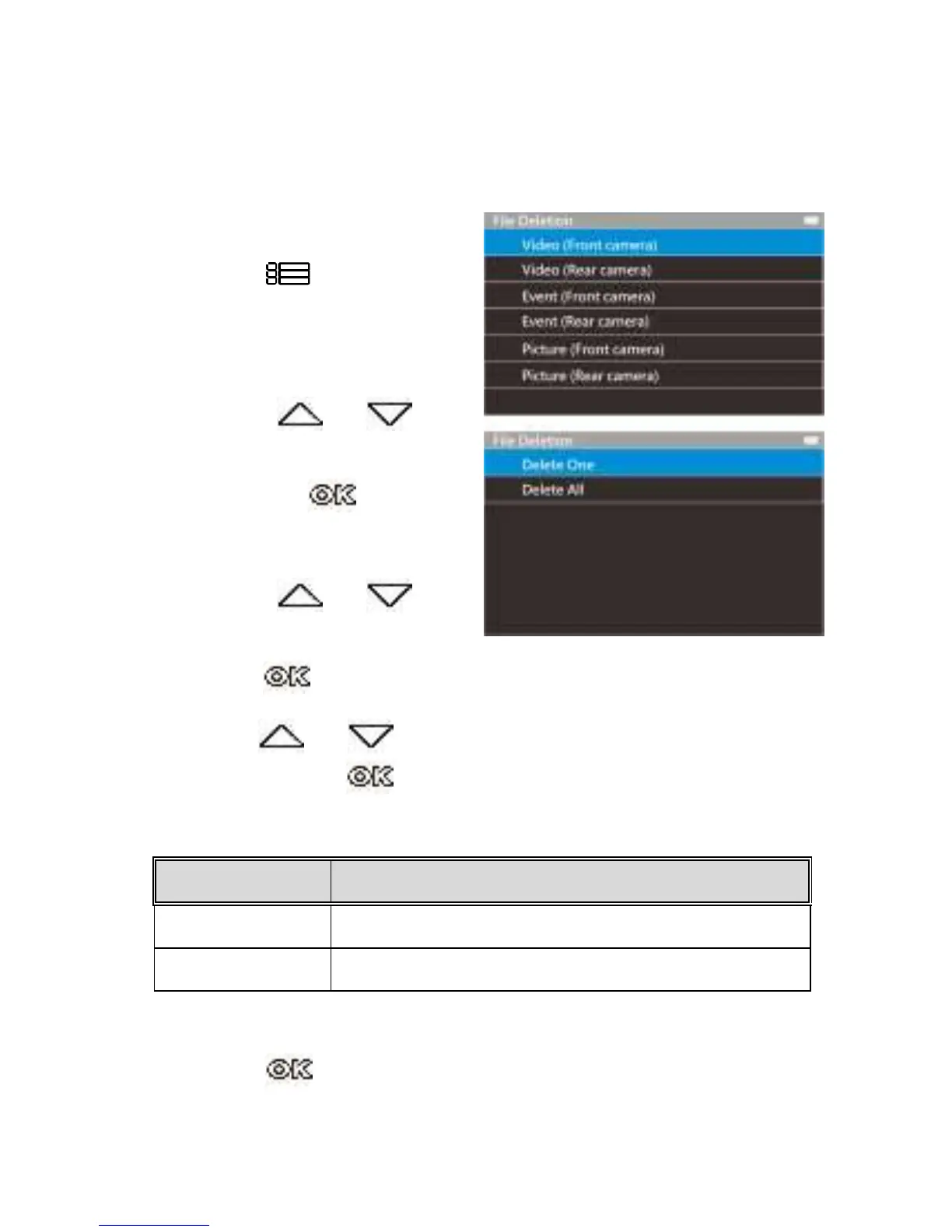
3.8 Deleting Files
To delete file(s), perform the following steps:
1.
Press the button to
stop recording and enter the
main Menu.
2.
Press the or
button to select File Deletion
and press the button
to confirm.
3.
Press the or
button to select folder and
press the button to confirm.
4.
Use the or to select the video or photo you want to
delete, and press button to confirm your selection.



 To Next Page