User’s Guide 9–16
Using Bluetooth
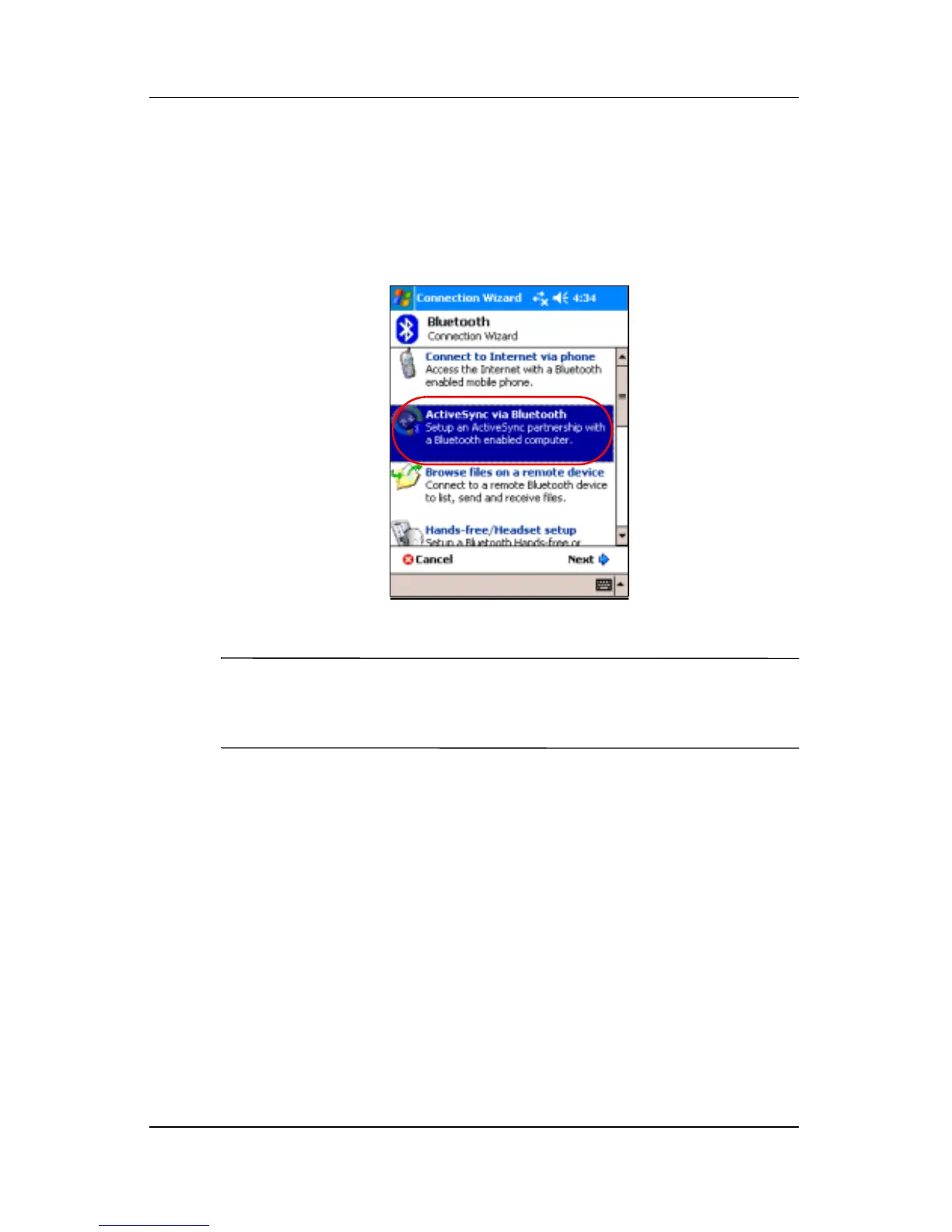
To establish an ActiveSync connection on your Pocket PC:
1. From the Today screen, tap iPAQ Wireless > Bluetooth >
Manager.
2. Tap New > ActiveSync via Bluetooth > Next.
3. Follow the connection wizard instructions.
Note: Be sure the ActiveSync COM port setting on your Pocket
PC is the same as the COM port setting used for Bluetooth on
your computer.



 To Next Page