Using Bluetooth
User’s Guide 9–17
4. From the Bluetooth Browser screen, select the computer you
want to synchronize with. Tap Next.
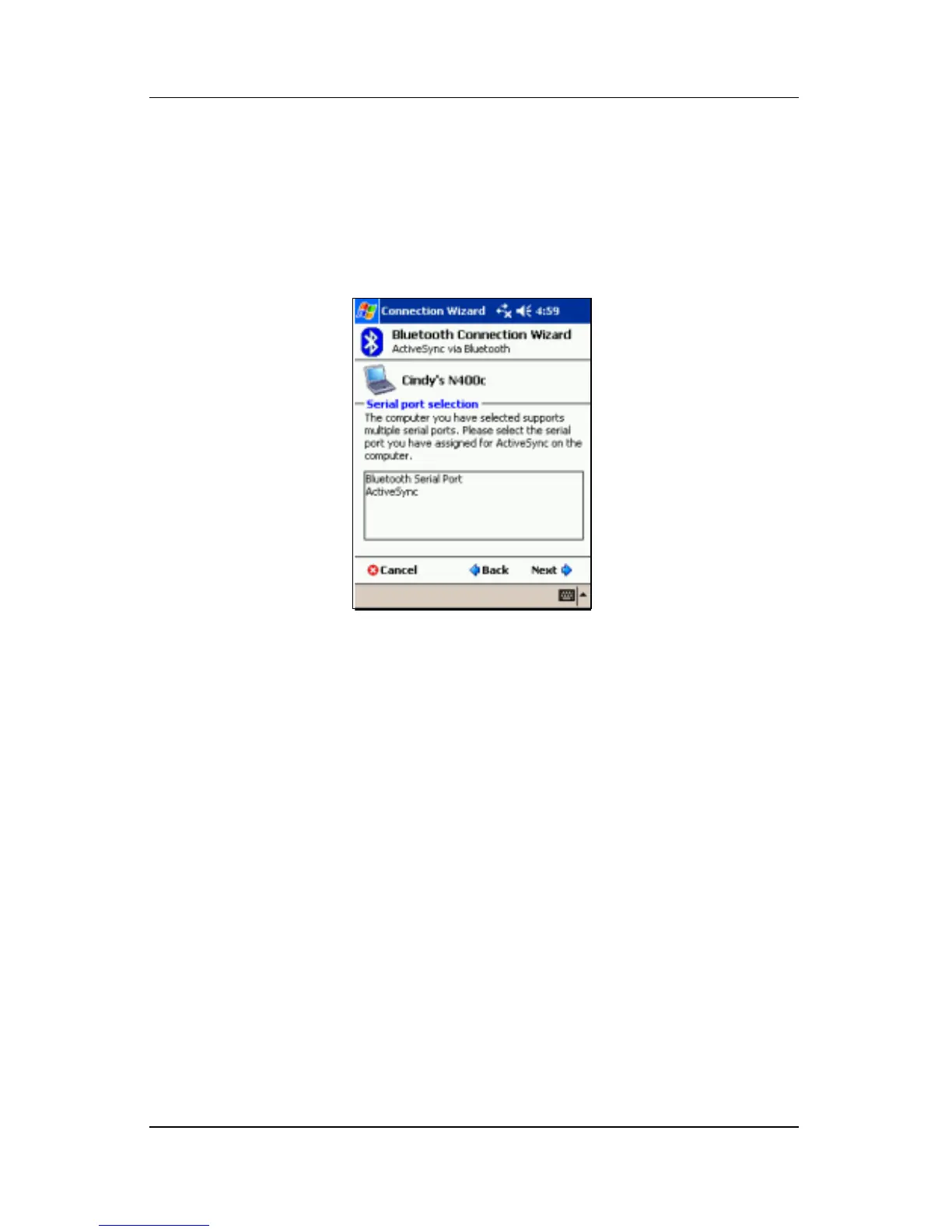
5. Under Serial Port Selection, select the name of the serial
port for the computer selected above, and then tap Next >
Finish.
.
Establishing a Serial Connection
Use the wireless Bluetooth serial port connection just as you
would a physical serial cable connection. You must configure the
application that will use the connection to the correct serial port.
To establish a serial connection:
1. From the Today screen, tap the iPAQ Wireless icon >
Bluetooth > Manager.
2. Tap New > Explore a Bluetooth device > Next.
3. Follow the connection wizard instructions.



 To Next Page