Learning the Basics
User’s Guide 4–7
6. Tap Move Up or Move Down to change the order of items on
the Today screen.
Note: You cannot change the placement of the Date on the
Today screen.
7. Tap the down arrow associated with Today timeout
checkbox to determine how many hours must pass before the
Today screen displays.
8. Tap OK.
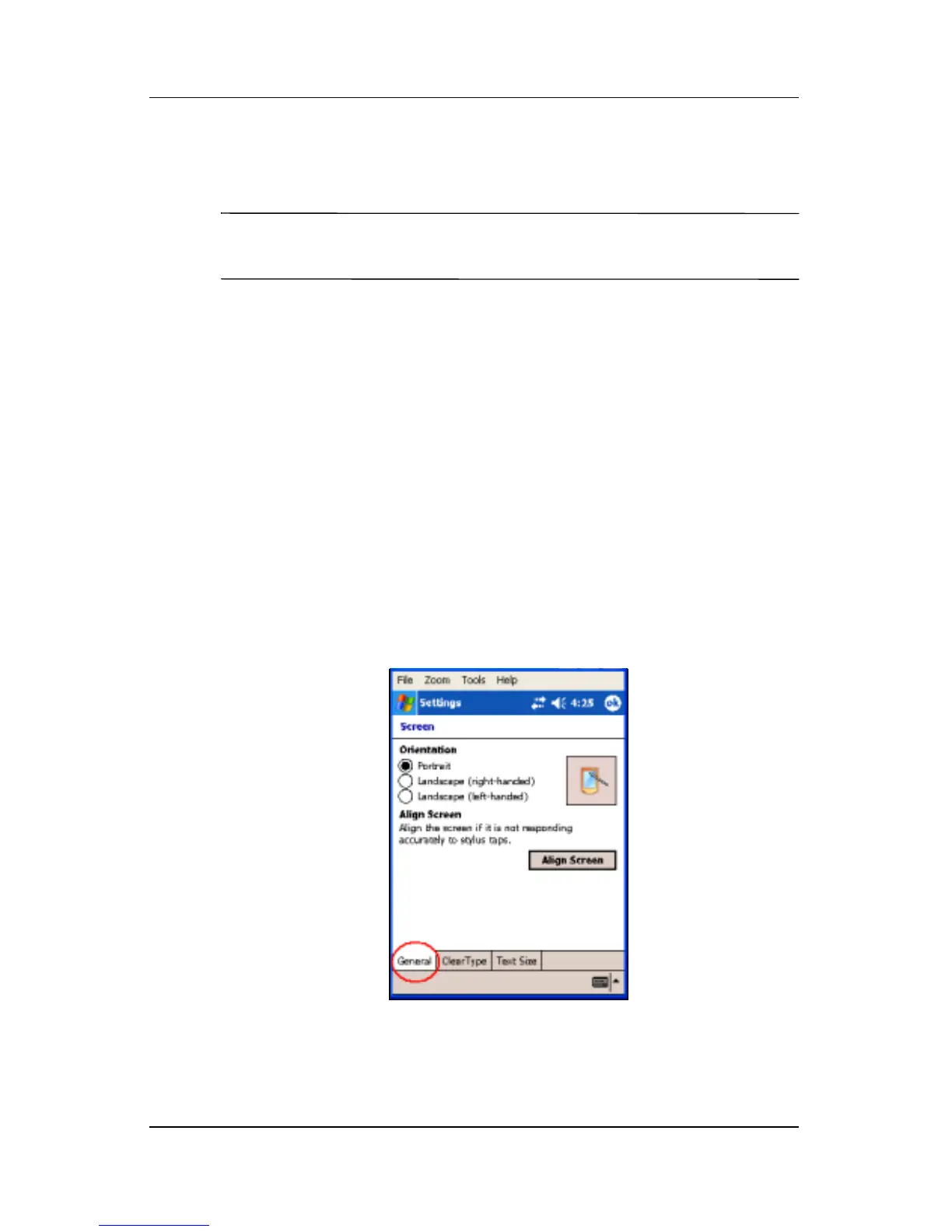
Changing the Screen Orientation
You can change the screen orientation of your Pocket PC from
Portrait to Landscape mode.
To change the screen orientation of your Pocket PC:
1. Tap Start > Settings > System tab > Screen.
2. Tap Portrait, Landscape (right-handed), or Landscape
(left-handed).
3. Tap OK.
Shortcut: Press and hold the Calendar button for two seconds to
toggle between portrait and landscape modes.



 To Next Page