Applications
User’s Guide 6–14
Viewing Thumbnail Photos
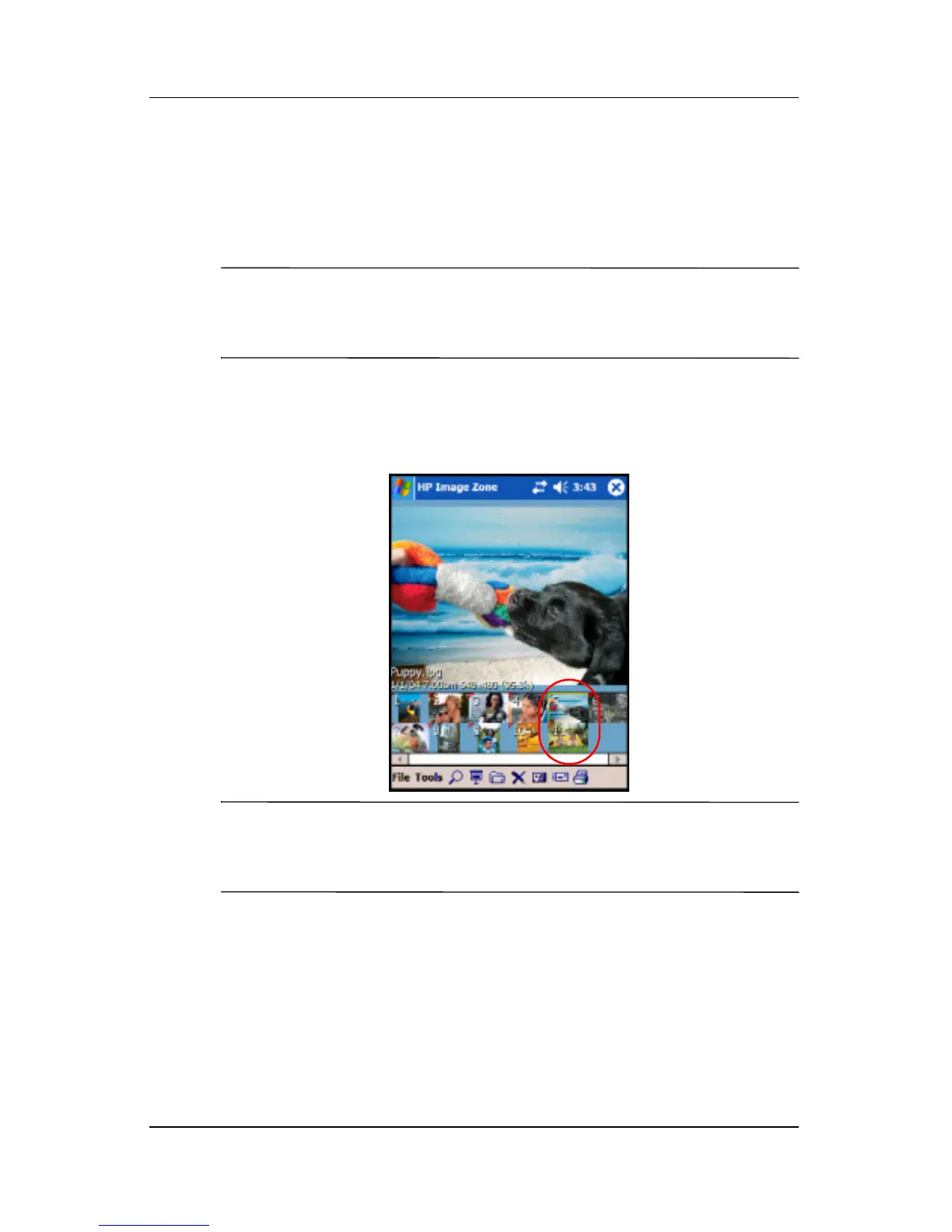
To view a photo:
1. Tap Start > Programs > HP Image Zone.
Note: By default, the viewer opens in Browse mode. Browse
mode displays a thumbnail view of the photos in the current
folder.
2. Tap a thumbnail (i.e., a small representation of a larger
image) to select the photo. A preview of the photo and
information about it is displayed.
Note: To view photos in HP Image Zone, be sure your scroll bar
has been moved all the way to the left. Otherwise, you might not
be able to see other photos in the thumbnail view.
To view photos in a different folder:
1. Tap File in the Command bar, and then tap Open.
2. Select the folder you want.
3. Tap OK. HP Image Zone displays the photos from the new
file folder you selected.



 To Next Page