User’s Guide 6–13
Applications
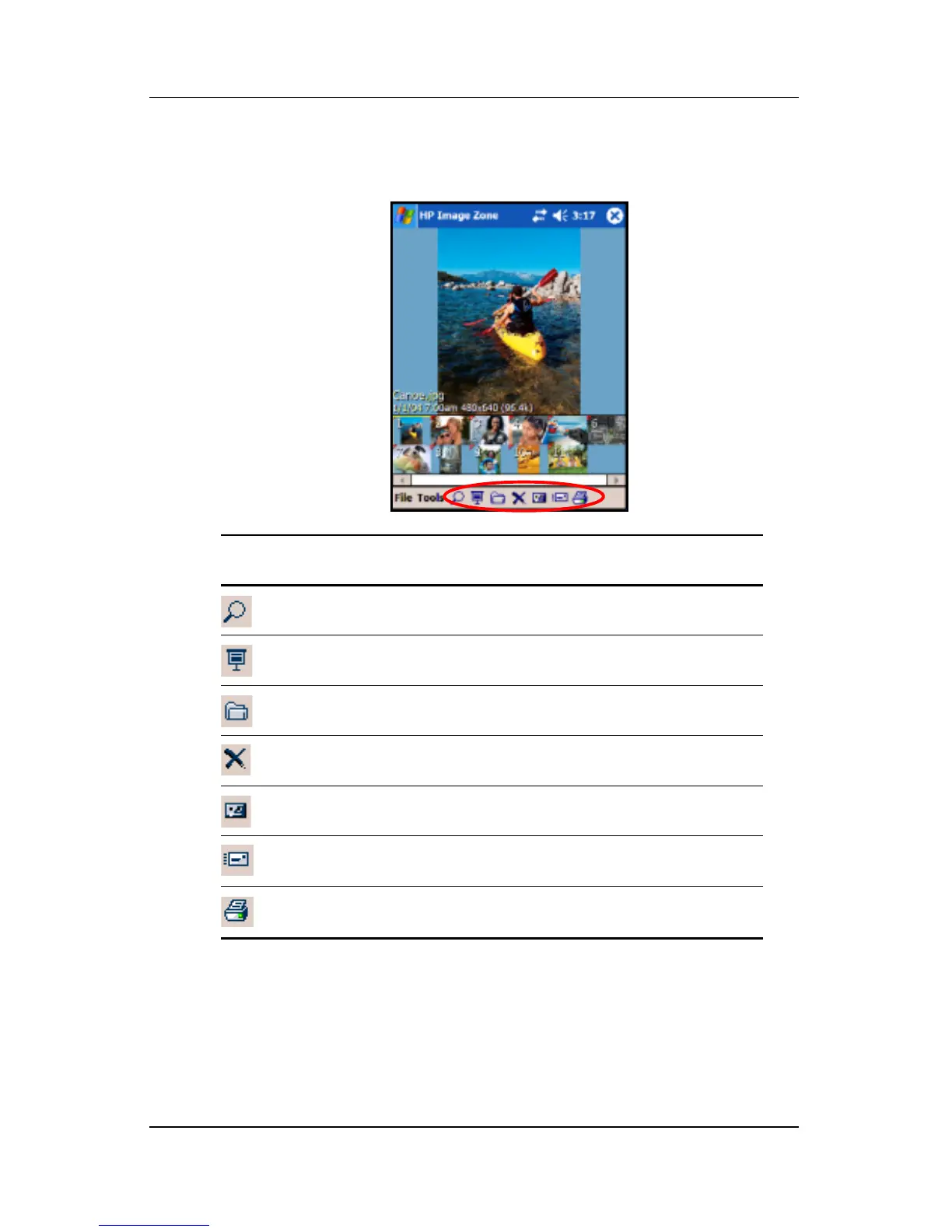
When you launch the HP Image Zone, the following icons are
displayed on the bottom of the screen.
Icon Definition
Tap to view the photo in full screen.
Tap to start slideshow mode.
Tap to change folders.
Tap to delete photo.
Tap to record and attach an audio clip to the photo.
Tap to send the photo using your favorite method.
Tap to print using your favorite method.



 To Next Page