User’s Guide 7–10
Using Security Features
Changing Your HP ProtectTools Settings
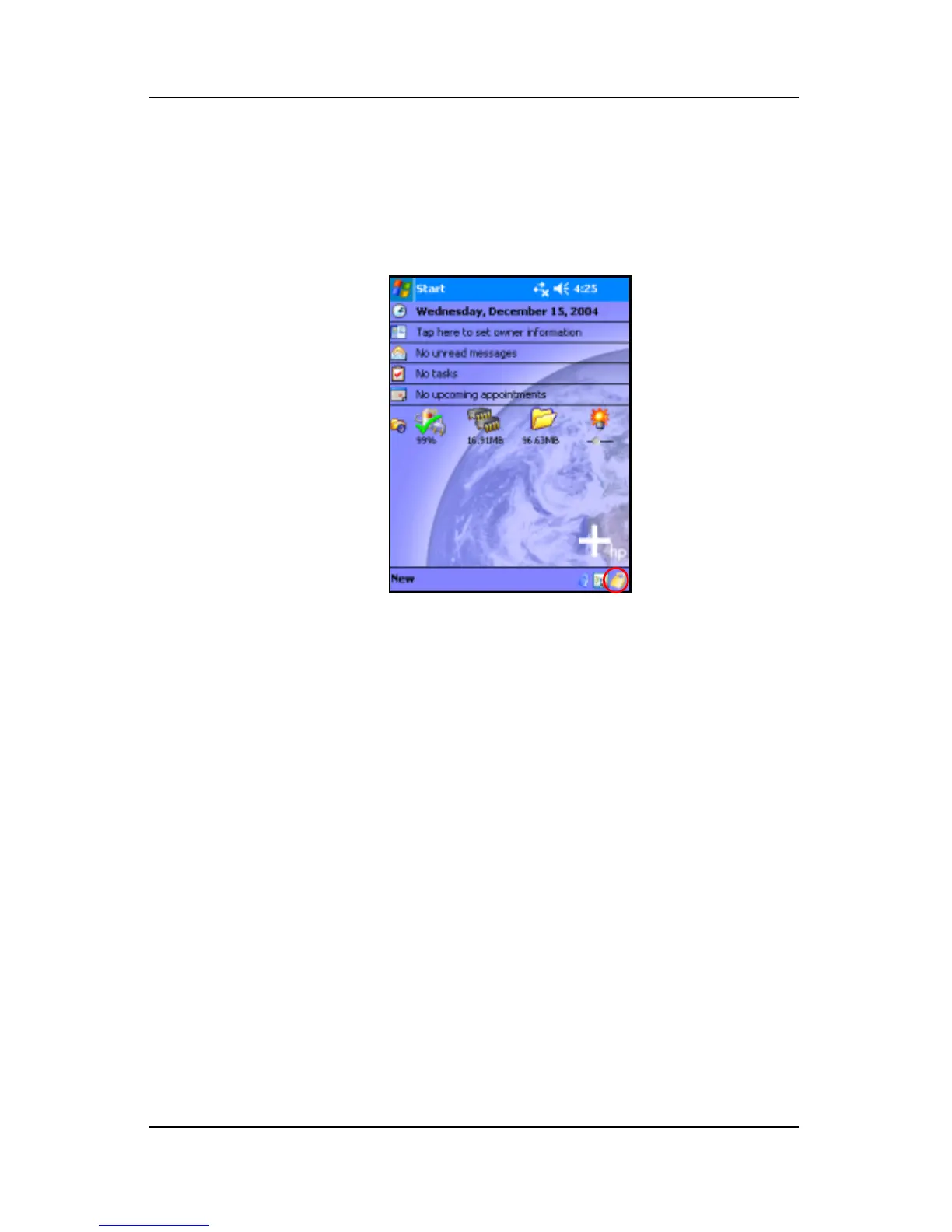
If you want to change any of your security information, you can
do so easily. Tap the yellow lock icon in the Taskbar at the
bottom of the Today screen.
Five options are displayed:
■ Lock Device
■ Logoff
■ Change Passwords
■ Manage Encrypted Folders
■ Manage Security Settings
Lock Device
Selecting this option allows you to manually lock your Pocket
PC, requiring authentication to access the device. Data and files
are not encrypted.



 To Next Page