Using Security Features
User’s Guide 7–9
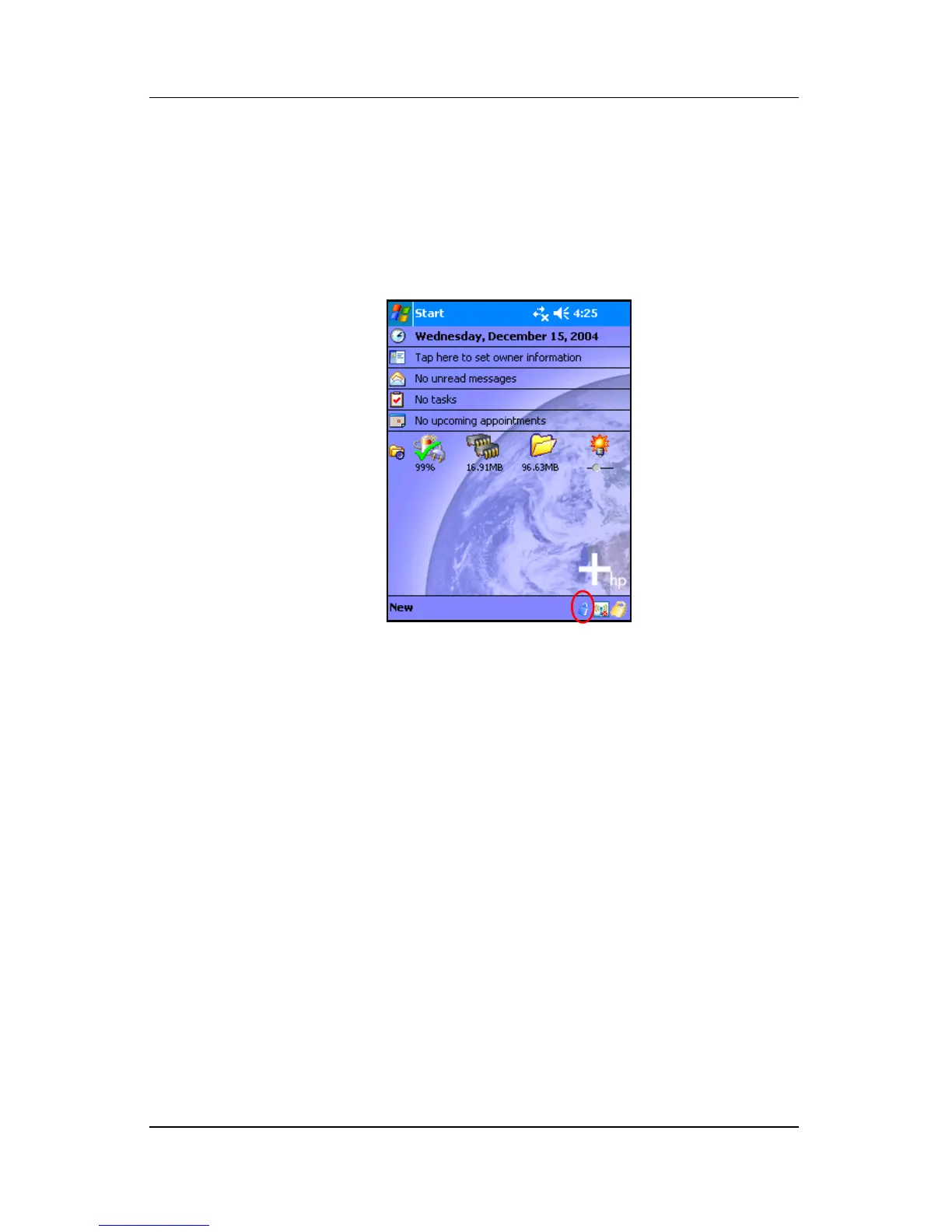
■ In either case, a blue lock icon appears in the Taskbar at the
bottom of the Today screen during decryption. When the icon
disappears, decryption is complete. Typically the Pocket PC
responds more slowly during the encryption/decryption
process.
You must authenticate yourself and wait for the decryption
process to complete before synchronizing using Microsoft
ActiveSync. If decryption is not complete before synchronization
begins, ActiveSync may not be initiated. To correct the problem,
disconnect and reconnect the device after decryption is complete.
If you enable Server Synchronization on ActiveSync, it is
recommended that you do not select a Mobile Schedule to
automatically initiate synchronization. Since authentication and
decryption are necessary when the Pocket PC is turned on,
automatic synchronization does not work properly when HP
ProtectTools is enabled. The same problem may also arise when
using other server-based synchronization products.



 To Next Page