User’s Guide 5–7
Learning Input Methods
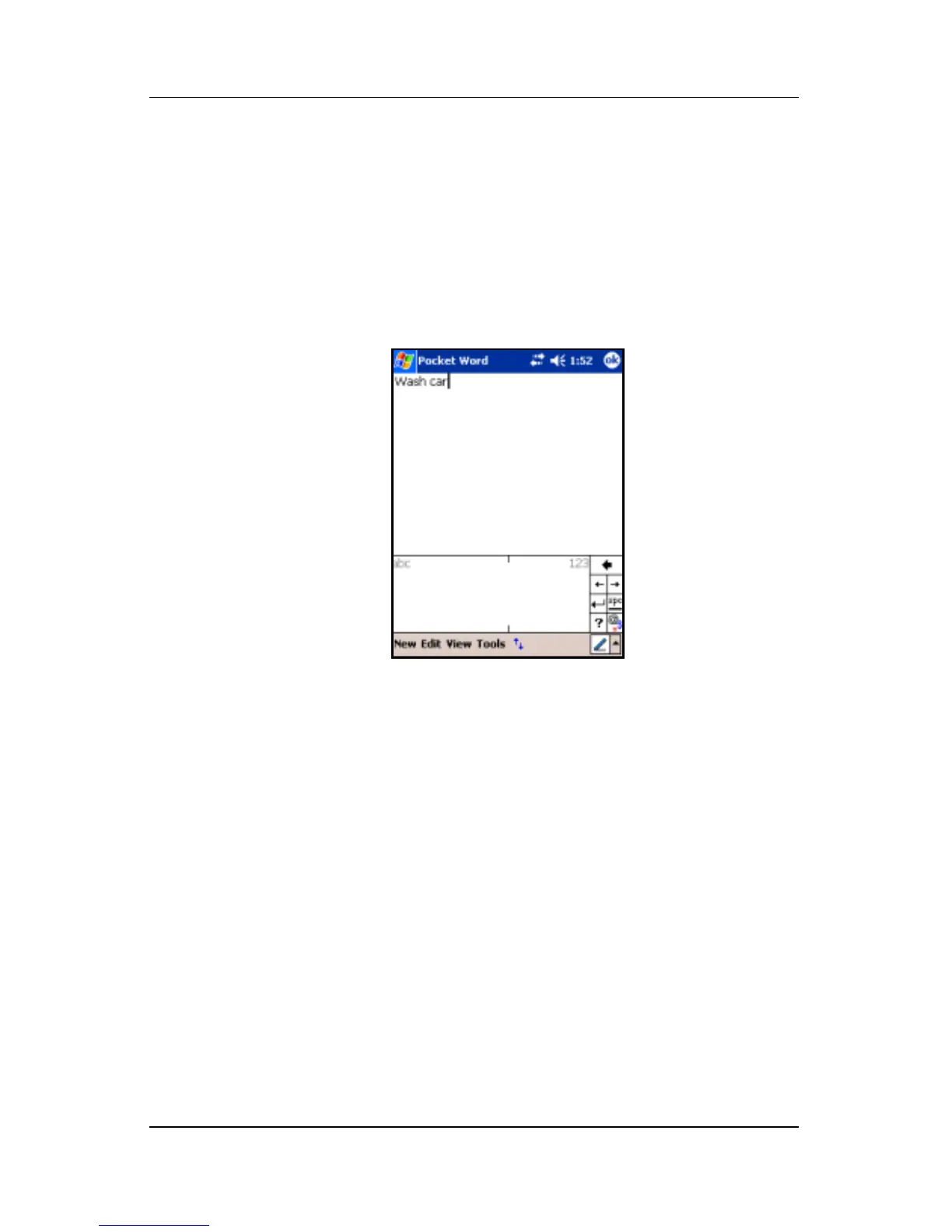
3. Write a word, letter, or symbol between the hatch marks.
❏ To type text, write a letter between the hatch marks
labeled “abc.”
❏ To type numbers or symbols, write a number or symbol
between the hatch marks labeled “123.”
What you write will be converted to text.
Drawing and Writing on the Screen
Use the stylus as a pen to draw and write on the screen in the
Notes program or from the Notes tab in Calendar, Contacts,
or Tasks.
1. Tap Start > Programs > Notes > New.
2. Draw and write on the screen.
3. Tap the Pen icon.
4. Tap OK.



 To Next Page