User’s Guide 3–5
Managing the Battery
Removing the Battery
Ä
CAUTION: Before removing the battery, use iPAQ Backup or
ActiveSync to back up data on your Pocket PC.
Note: If you remove or replace the battery, your HP iPAQ will
perform a soft reset. Be sure to close all applications and save
data before removing the battery.
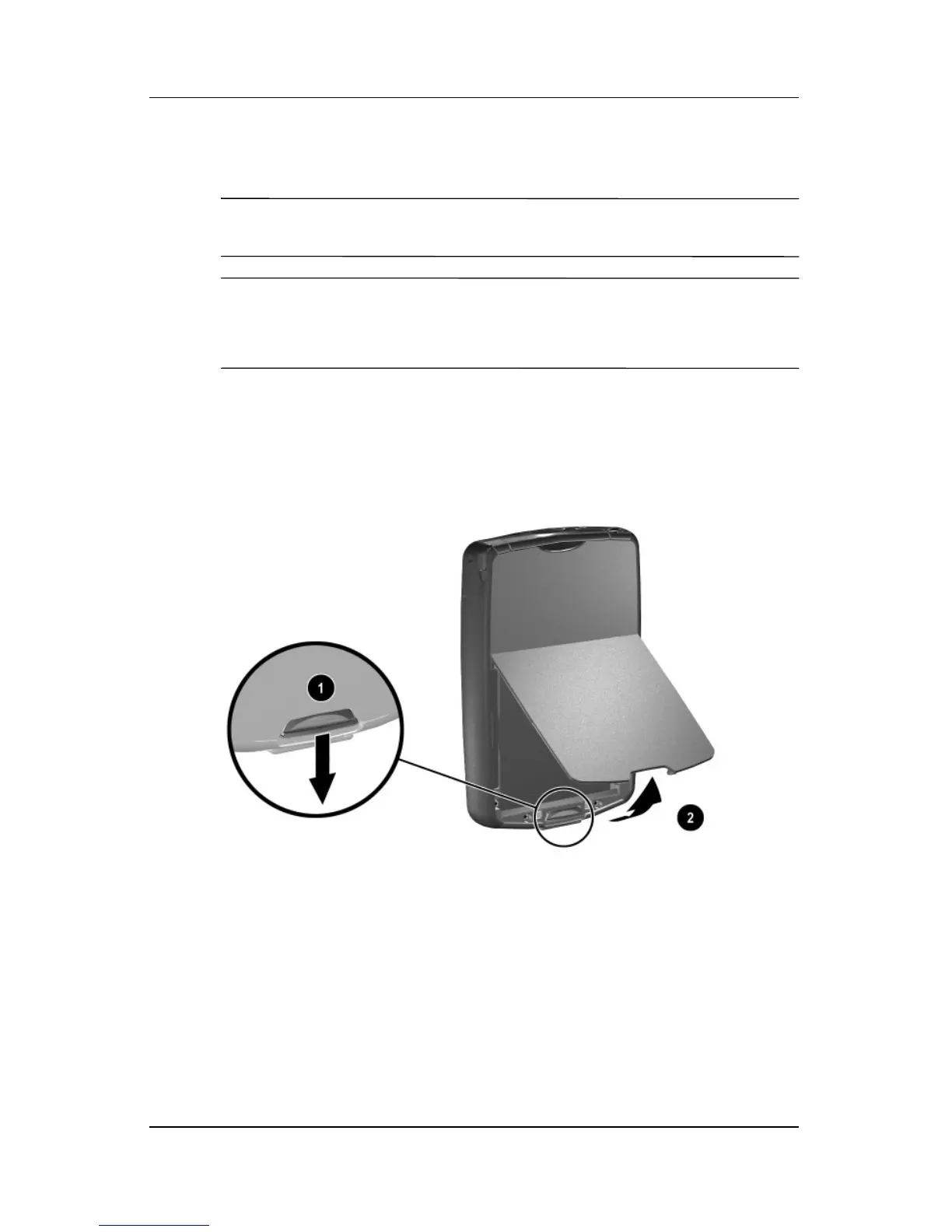
To remove the battery:
1. Press the battery release latch down 1.
2. Swing the battery door up and remove it from the device 2.



 To Next Page