User’s Guide 7–6
Using Security Features
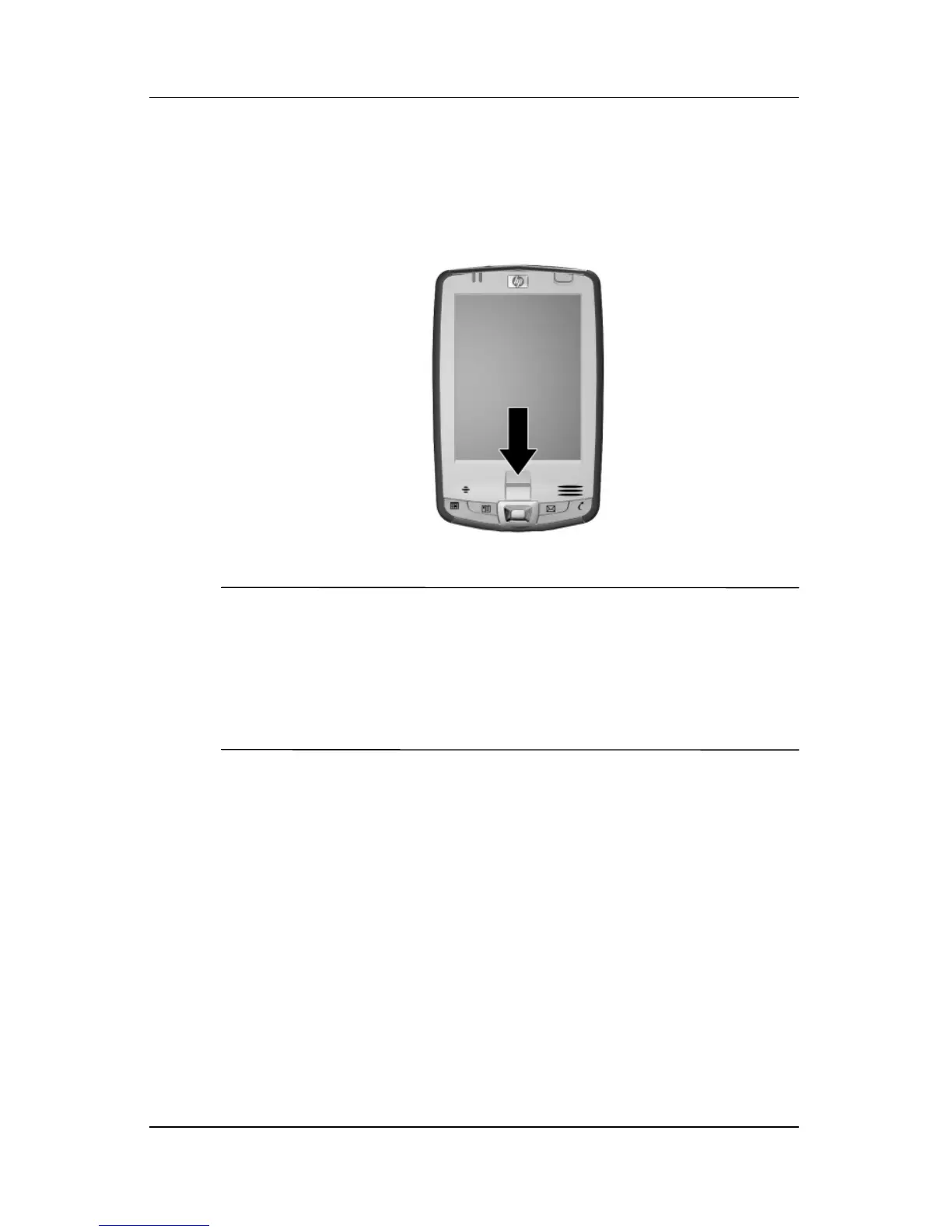
14. If requested, swipe two fingers until you are told both are
enrolled successfully.
Note: The Fingerprint Reader is not available on all models.
For more information on enrolling fingerprints, refer to “Using
the Fingerprint Reader” later in this chapter. It is recommended
that you follow the instructions in the section “Using the
Fingerprint Reader” to successfully enroll your fingerprints.
15. Tap OK.
16. If requested, enter your PIN or password two times for
verification purposes.
17. From the Set up Passwords screen, select your hint question
by tapping the left and right arrow buttons near the question.
Answer the question two times for verification purposes.



 To Next Page