User’s Guide 7–14
Using Security Features
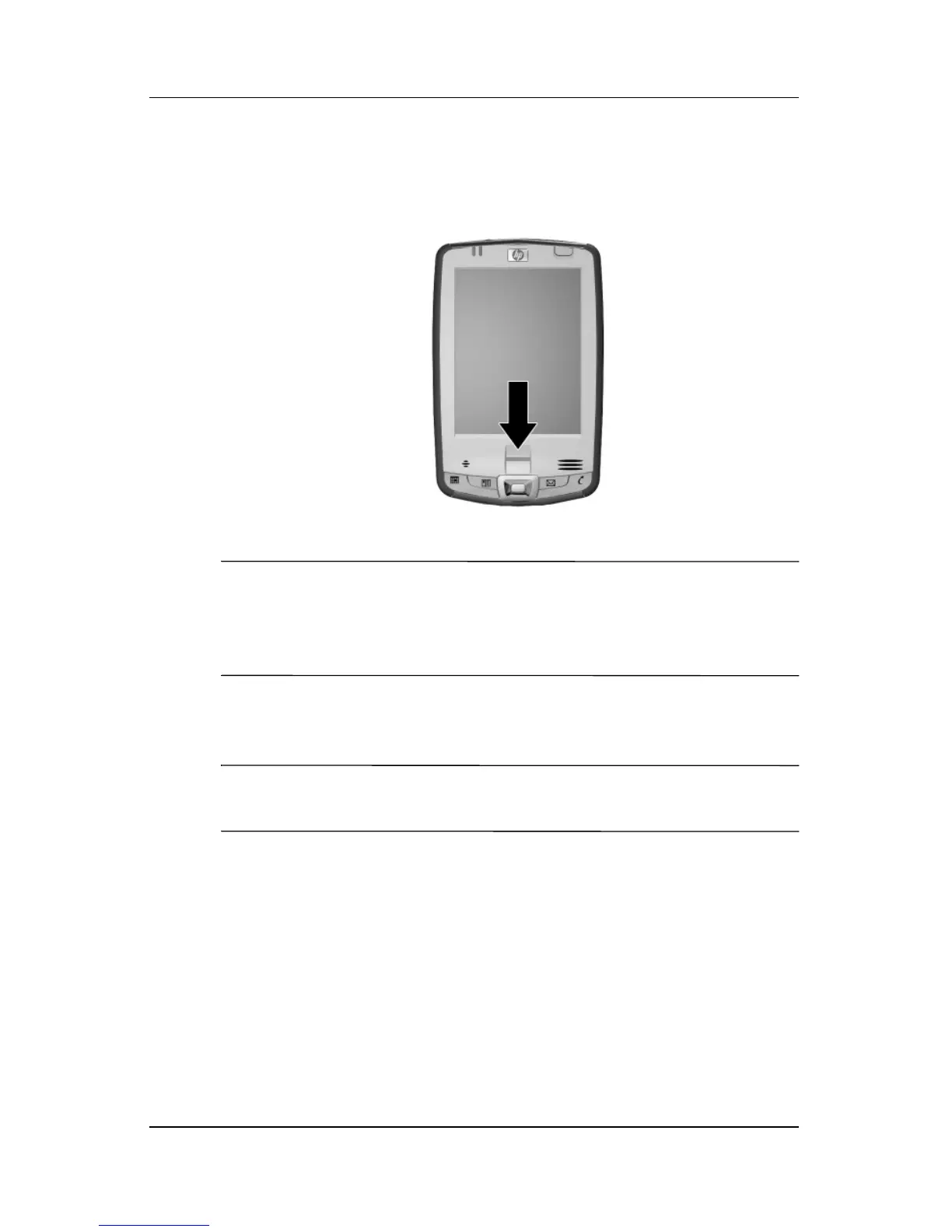
4. Follow the on-screen demonstration to swipe a finger.
Note: If the finger swipe is acceptable, the oval frame turns
green and the message “Good. Please continue!” displays. If the
finger swipe is unacceptable, the oval frame turns red and the
message “Poor quality” or “No image. Try again!” displays.
5. Repeat the finger swiping exercise as prompted until you
have completed six out of eight successful swipes.
Note: You must perform six acceptable swipes to continue the
training.
6. Tap the double arrows button to continue to the Self-test.
7. Perform seven out of eight successful finger swipes in the
Self-test to complete the training.
8. Tap Finish to end the training and return to the Fingerprint
screen in HP ProtectTools setup.



 To Next Page