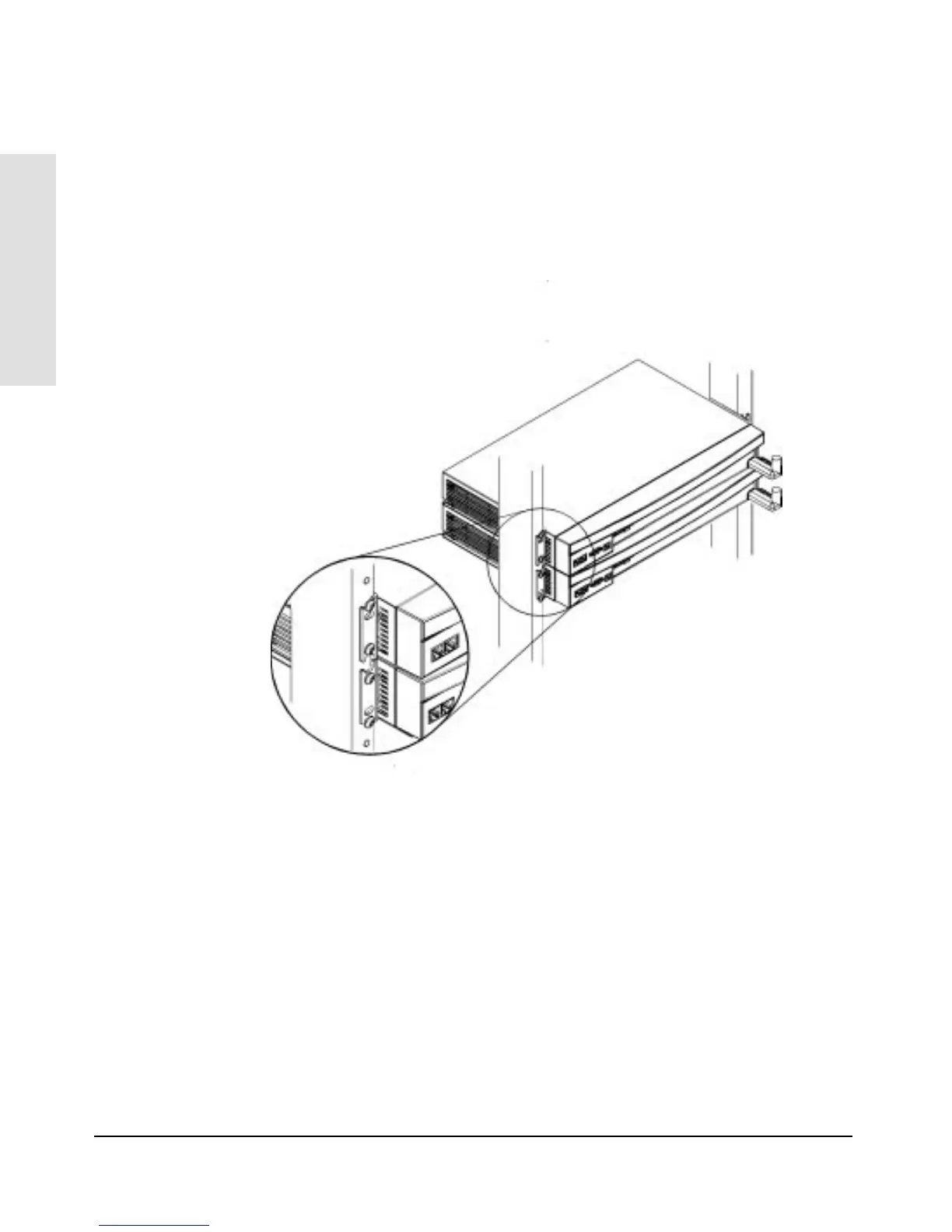
Notice that for the first hub you mounted, you used the bottom notch and
the top hole in the bracket. For the next hub above, you use the bottom hole
and the top notch, as shown in the illustration below. Continue to alternate
“notch and hole, hole and notch” for all hubs to be installed.
Installing the
HP AdvanceStack Hub
Installing the HP AdvanceStack Hub
1-12



 To Next Page