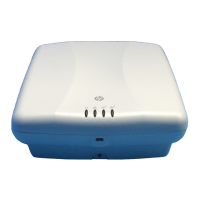
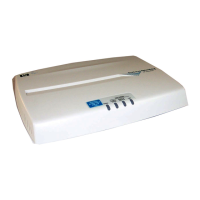
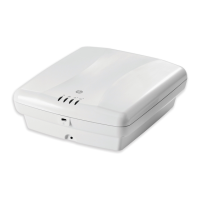
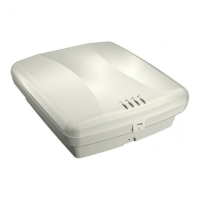
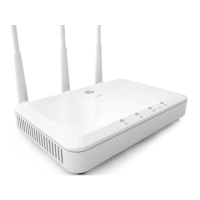
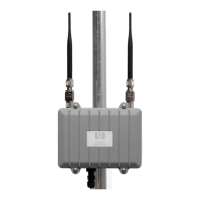
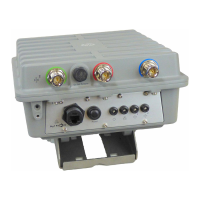
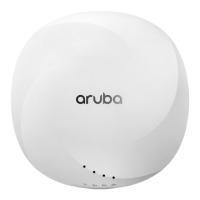
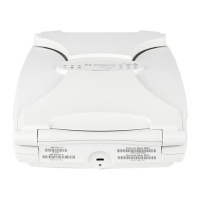
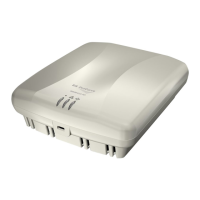
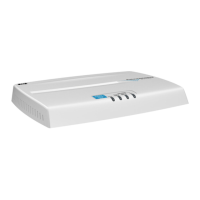
The E-MSM430, E-MSM460, and E-MSM466 are Wi-Fi Alliance
authorized Wi-Fi CERTIFIED 802.11n/a/b/g products. The Wi-Fi
CERTIFIED Logo is a certification mark of the Wi-Fi Alliance.
E-MSM430, E-MSM460, and E-MSM466 802.11n Access Points Quickstart
This Quickstart shows you how to install and get started using the E-MSM430, E-MSM460, and E-MSM466 Dual Radio 802.11n Access Points, hereafter referred
to as the AP except for where specific model references are made. (See Products list on page 8 for part numbers.)
Please visit www.hp.com/networking/support for the latest documentation including the MSM3xx / MSM4xx Access Points Management and Configuration Guide
and the MSM7xx Controllers Management and Configuration Guide.
Hardware overview
➀
➁
➅
➇
➈
➆
➆
➆
➆
➃
➄
➃
➂
Front view
1: Status Lights (Left to right) Power, Ethernet, Radio 1, Radio 2
2: Cable lock hole
3: Retention screw hole
Back view
4: Antenna connectors (E-MSM466 only),
Radio 1 right, Radio 2 left
5: Reset button
6: Cable channel
7: AP Bracket tab slot
8: Console port
9: Ethernet port

 Need help?
 General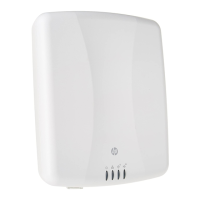

 To Next Page