EasyManua.ls Logo

HP J9661A - User Manual

HP J9661A
59 pages
Print Icon
To Next Page IconTo Next Page
Loading...
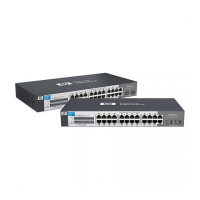
HP V1410 Switch Series
Installation and Getting Started Guide
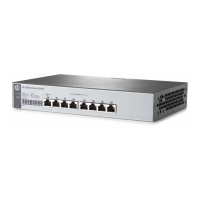
HP V1410-8 Switch (J9661A)
HP V1410-16 Switch (J9662A)
HP V1410-24 Switch (J9663A)
HP V1410-24-2G Switch (J9664A)

Table of Contents

Questions and Answers

  • A
    azavalaAug 12, 2025
    Why are devices not connecting correctly to my HP J9661A Switch?
    • C
      Carla GarciaAug 12, 2025
      Devices might fail to connect correctly to the HP Switch due to a configuration mismatch. This can occur if a connected device is configured with a fixed full duplex setting. To resolve this, ensure that all devices connected to the switch are either set to auto-negotiate or configured to connect at half duplex.
  • R
    robertscolleenAug 19, 2025
    What to do if my HP Switch has faulty or loose cables?
    • D
      David WallaceAug 19, 2025
      If you suspect faulty or loose cables with your HP Switch, check all connections for any that are loose or visibly damaged. Also, try using a different cable to rule out cable issues.
  • D
    Daniel WadeAug 27, 2025
    Why does my HP Switch have network performance issues due to non-standard cables?
    • L
      Lisa BellAug 27, 2025
      Network performance issues with your HP Switch can arise from using non-standard or miswired cables, which may cause network collisions and other problems. The solution is to use a new, correctly wired cable.
  • M
    Megan StricklandSep 3, 2025
    What to do if my HP Switch has an improper network topology?
    • B
      Brian TaylorSep 3, 2025
      If you are experiencing issues related to improper network topology with your HP Switch, ensure your network topology is valid. Specifically, verify that your network topology contains no data path loops, as these can cause broadcast storms. If you have changed the topology, consider reverting to the previous configuration.

HP J9661A Specifications

General IconGeneral
BrandHP
ModelJ9661A
CategorySwitch
LanguageEnglish

Related product manuals